Question: If your computer's keyboard or mouse is not responding, what should you check first?
Answer:
If the keyboard or mouse is not responding, check the USB or PS/2 connections to ensure they are properly connected.
MCQ: If your computer's keyboard or mouse is not responding, what should you check first?
Explanation:
If the keyboard or mouse is not responding, check the USB or PS/2 connections to ensure they are properly connected.
Discuss a Question
Related Questions
- 1. What is the primary purpose of an "antivirus" program in computer troubleshooting and security?
- 2. If your computer is displaying a "No signal" message on the monitor, what should you check first?
- 3. What is the purpose of "disk cleanup" in Windows troubleshooting?
- 4. What should you do if your computer's sound is not working?
- 5. What is the primary purpose of "Windows Update" in troubleshooting and maintenance?
- 6. If your computer is experiencing frequent crashes and displaying a "blue screen" error message, what should you check for?
- 7. What does "BIOS" stand for in computer terminology?
- 8. If your computer's display is flickering or distorted, what component might be causing the issue?
- 9. If your computer is not recognizing a peripheral device like a printer or external hard drive, what should you check first?
- 10. What is the primary purpose of "Device Manager" in Windows troubleshooting?
You may be interested in:
Computer Basics MCQsRecently Added Articles
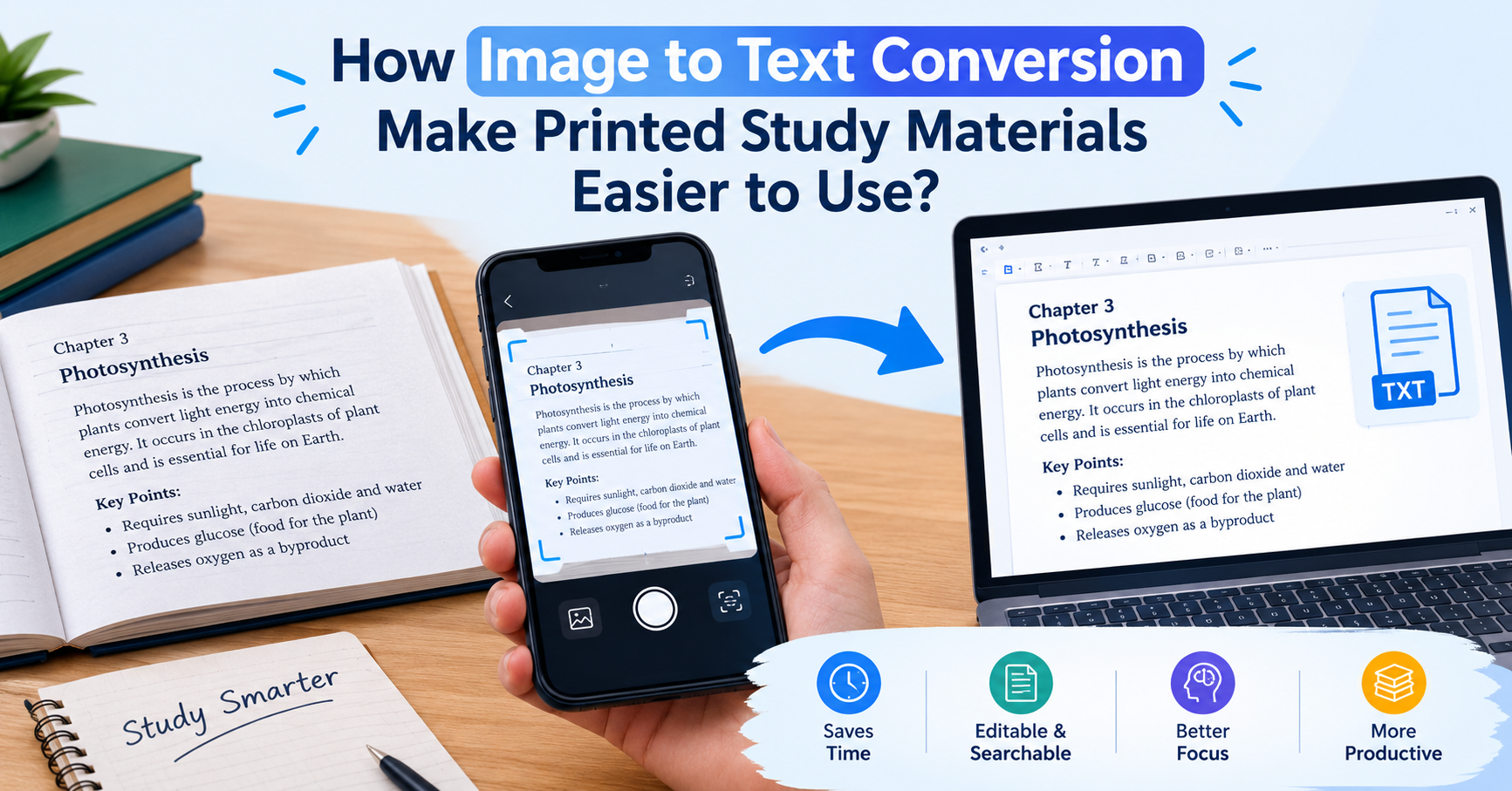
How Image to Text Conversion Make Printed Study Materials Easier to Use?
Last updated on: October 23, 2026Posted by: ExamRadar
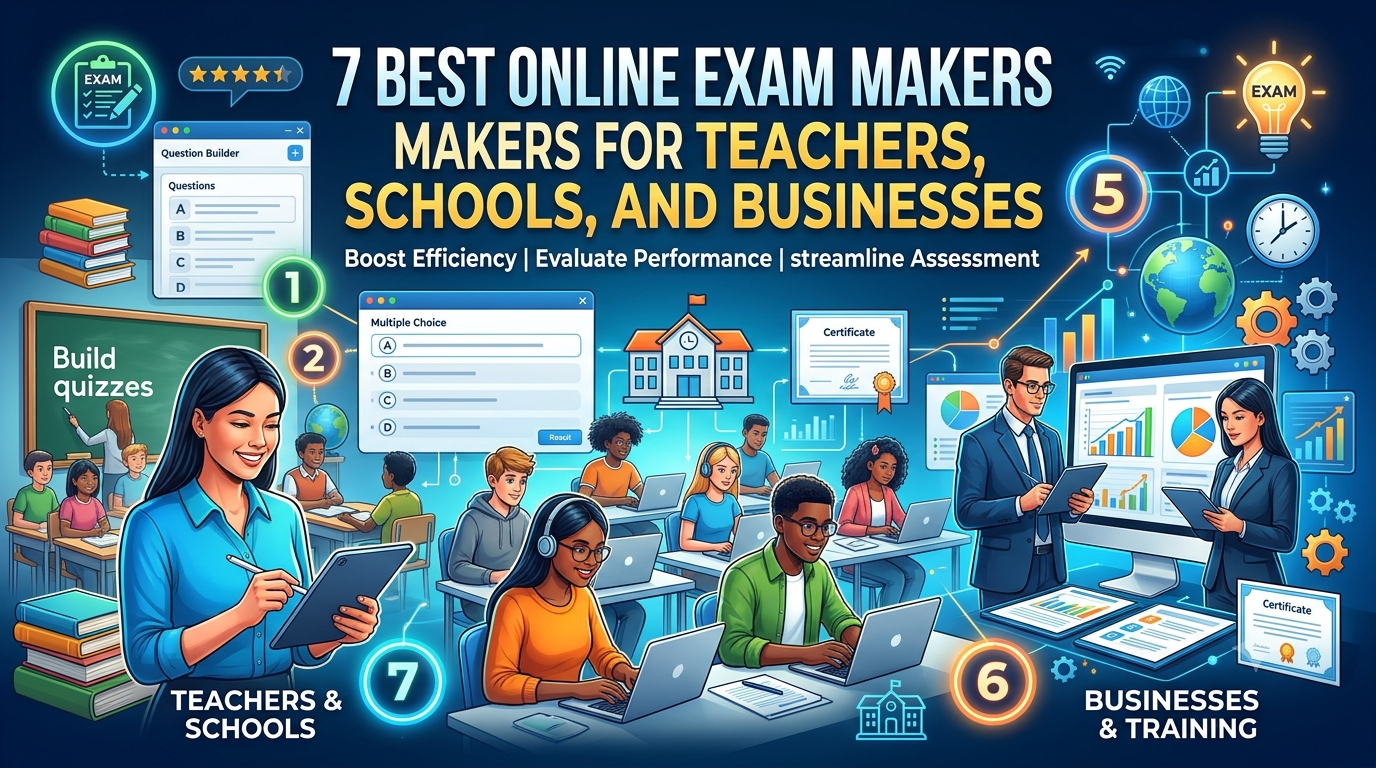
7 Best Online Exam Makers for Teachers, Schools, and Businesses
Last updated on: October 21, 2026Posted by: ExamRadar

How to pick a Bintan resort when you’ve only got 48 hours
Last updated on: September 23, 2026Posted by: ExamRadar

Features to Look for While Choosing the Best Automation Tool
Last updated on: July 15, 2026Posted by: ExamRadar
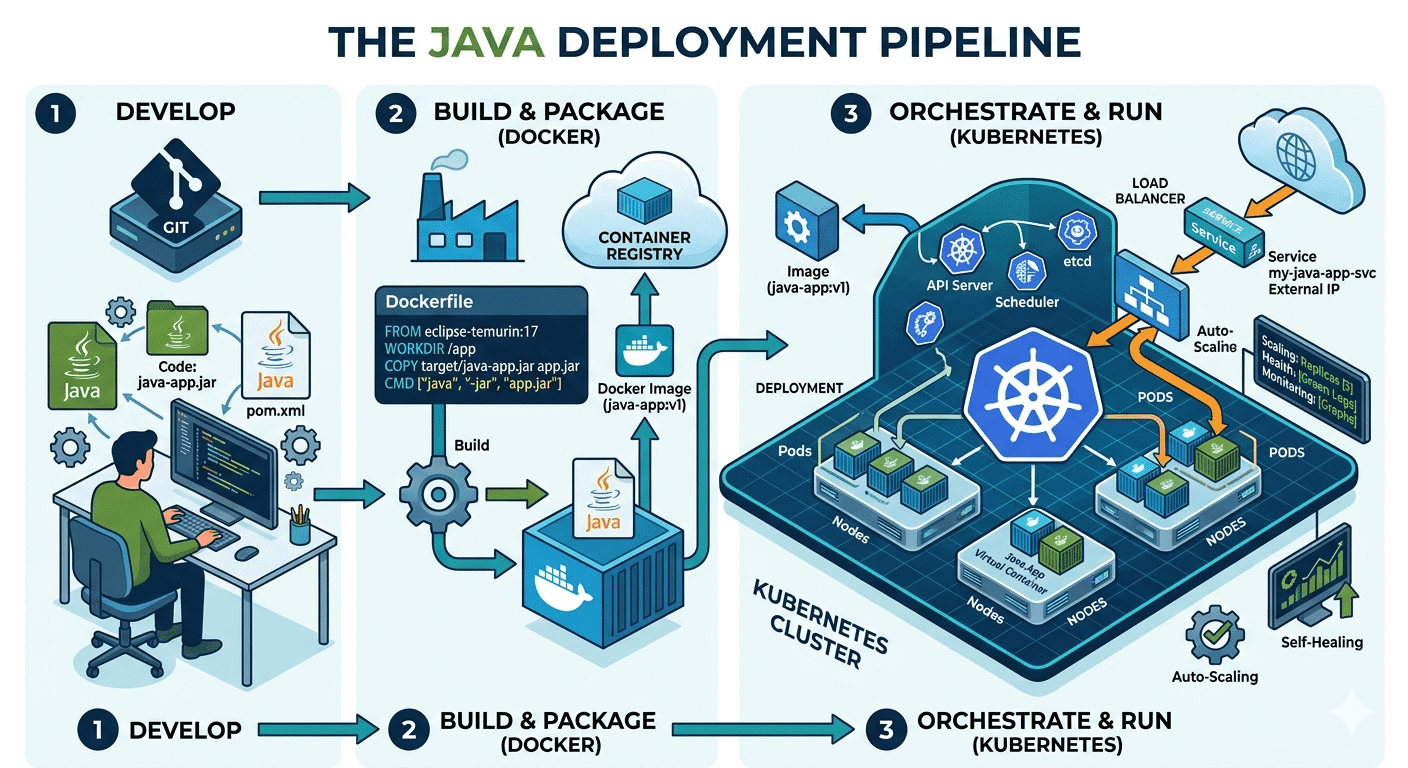
How Do Java Development Teams Use Docker and Kubernetes to Deploy Applications?
Last updated on: April 24, 2026Posted by: ExamRadar

AI vs Machine Learning: Key Differences Every Professional Should Know
Last updated on: February 13, 2026Posted by: ExamRadar

Office Cleaning Services That Elevate Sydney Offices
Last updated on: February 11, 2026Posted by: ExamRadar
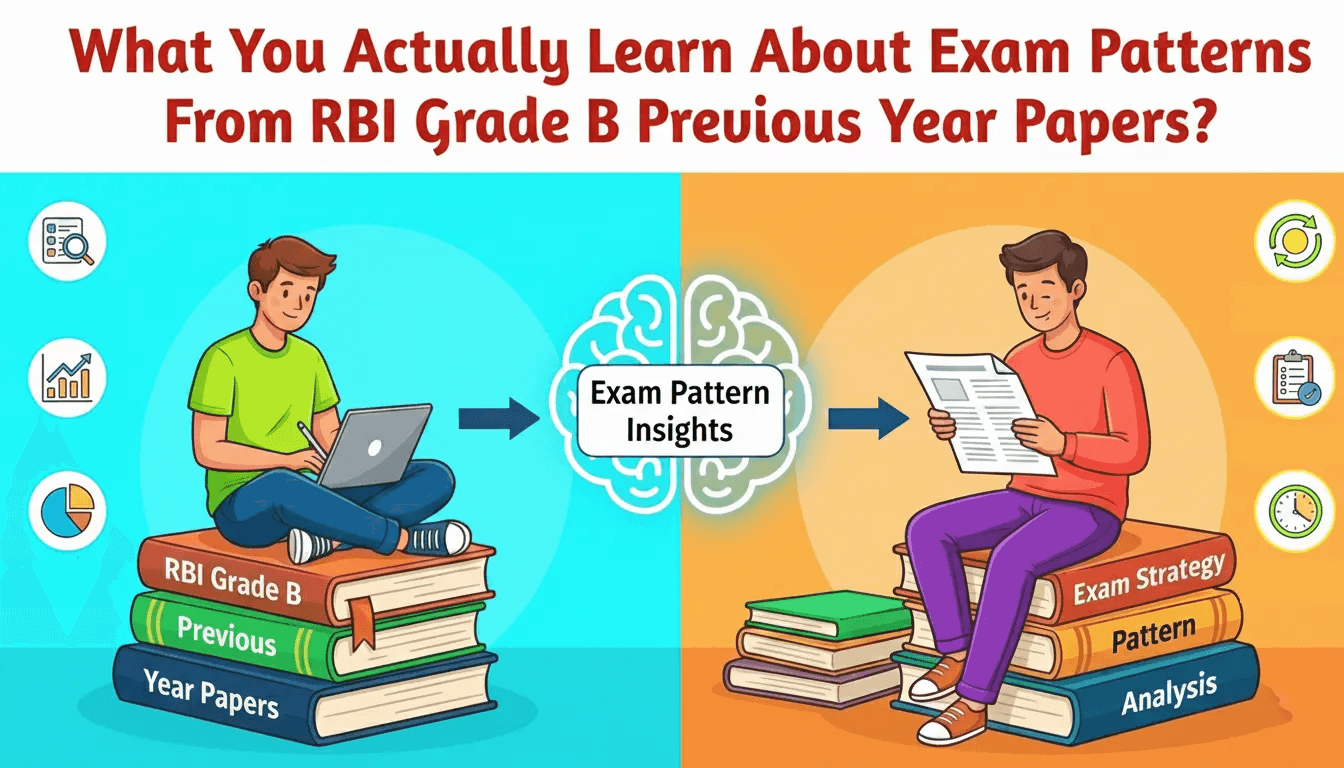
What You Actually Learn About Exam Patterns From RBI Grade B Previous Year Papers?
Last updated on: February 9, 2026Posted by: ExamRadar