7 Best Online Exam Makers for Teachers, Schools, and Businesses
Paper exams are slow to create, slow to grade, and easy to leak. Marking a stack of 200 papers is nobody’s idea of a good weekend. An online exam maker fixes that one problem: it turns test building and grading into a job of minutes instead of days, and gives you scores you can actually act on. The good ones do this without adding a pile of admin work on top.
This list covers the online test maker options that teachers, schools, and businesses actually use in 2026, whether you’re running a Friday class quiz, a semester exam, or a certification test for new hires. Pricing is what each vendor publishes; where it isn’t public, we say so.
What are Online Exam Makers?
Online exam makers are tools that let teachers, schools, trainers, and businesses create, deliver, grade, and track tests digitally. Most include features such as question banks, automatic scoring, timers, randomization, reports, and sharing options, while more advanced platforms may also support proctoring, certificates, AI-assisted question creation, and secure exam controls.
Top 7 Best Online Exam Makers
The best online exam maker depends on what you are testing, how secure the exam needs to be, and whether you need simple quizzes, recurring assessments, large-scale exams, or hiring tests. Here are the top options for different use cases.
1. ProProfs Quiz Maker: Best for Creating Quizzes and Assessments for Training & Education
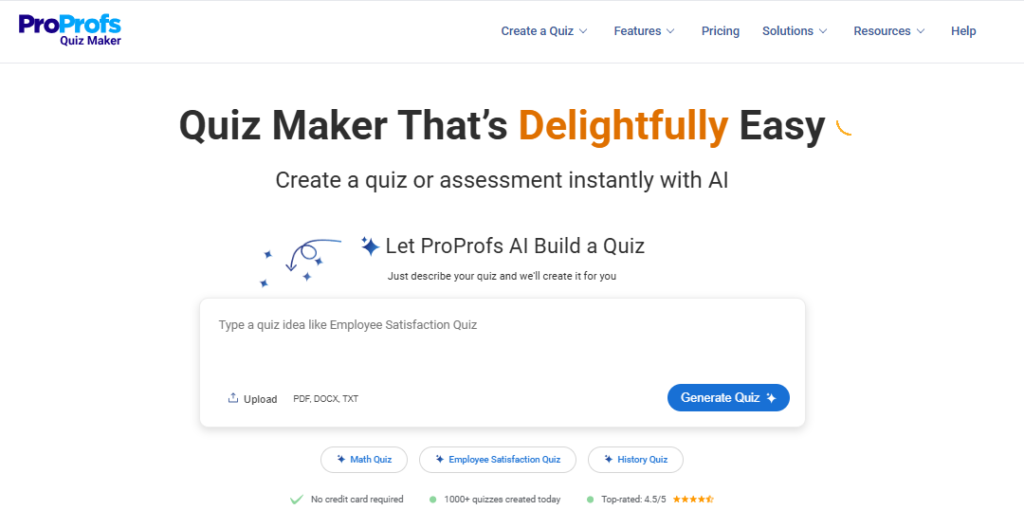
ProProfs Quiz Maker is built for people who need to create and run tests without a technical team. Start from a template or build from scratch, add an answer key, set a timer, and share a link. Results land in a dashboard showing who passed, who is borderline, and which questions most people got wrong. Its AI-assisted question creation works like an exam generator, drafting questions from a topic that you review before publishing. It suits class tests, staff training checks, and certification quizzes alike, with randomization and report exports built in.
Pros
- Fast to set up; no coding or IT ticket required
- Serves teachers and trainers in one tool
- Free plan lets you test it before committing
Cons
- Advanced analytics and branching logic take a little time to learn
- Stronger proctoring features are gated to higher tiers
Pricing: Free plan available. Paid plans start at $19.99/month.
2. Google Forms: Best Free Option for Classroom Quizzes
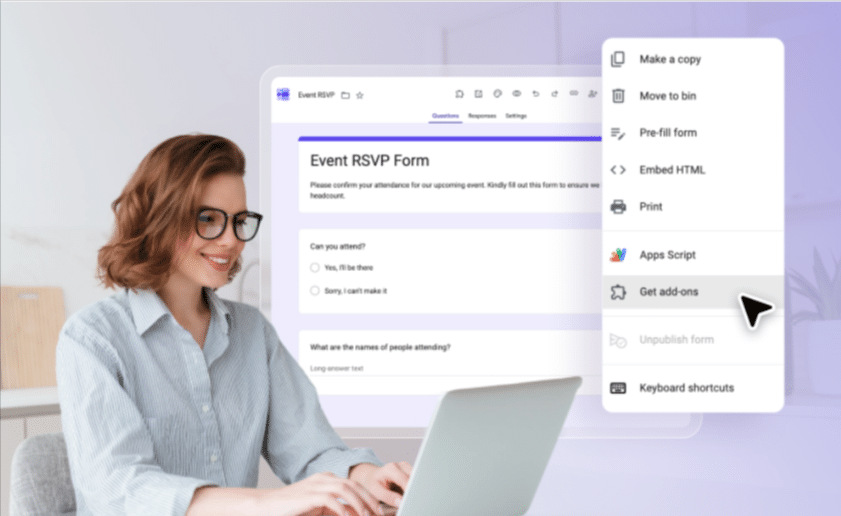
Google Forms is where most teachers start, and for good reason. Flip a form into quiz mode, add an answer key and point values, and it grades objective questions the moment a student hits submit. It connects directly with Google Classroom, so assignments and scores stay in one place. It is a practical online exam maker for low-stakes quizzes, homework checks, and short class tests. The limit is control: there is no built-in proctoring and no real question bank, so it is a weak fit for high-stakes exams.
Pros
- Free and already familiar to most students
- Grades objective questions instantly
- Works smoothly with Google Classroom
Cons
- Little exam security
- No real question bank for building varied papers
Pricing: Free with a Google account; also included in Google Workspace plans.
3. Microsoft Forms: Best for Microsoft 365 Schools and Teams
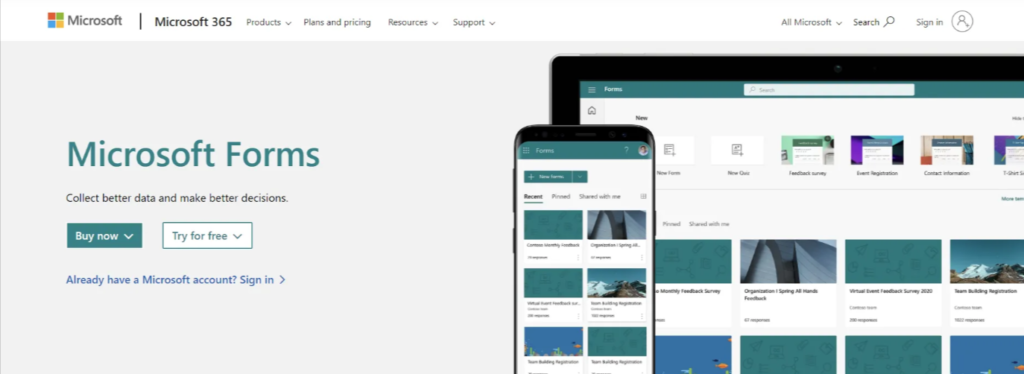
If your school or company already lives in Microsoft 365, Microsoft Forms is a handy online test maker that adds no new logins. Build a quiz, switch on automatic scoring, add feedback for each answer, and export results to Excel for deeper analysis. It also runs inside Teams, which keeps remote classes and internal training in one workspace. Like Google Forms, it is built for light assessment rather than locked-down exams.
Pros
- Nothing new to roll out if you already use Microsoft 365
- Automatic scoring with per-answer feedback
- Easy Excel export for your own analysis
Cons
- Limited security and proctoring
- Basic reporting compared with dedicated assessment platforms
Pricing: Included with Microsoft 365 subscriptions; a free version is available with a Microsoft account.
4. Mercer Mettl: Best for Large-Scale Exams With Built-In Proctoring
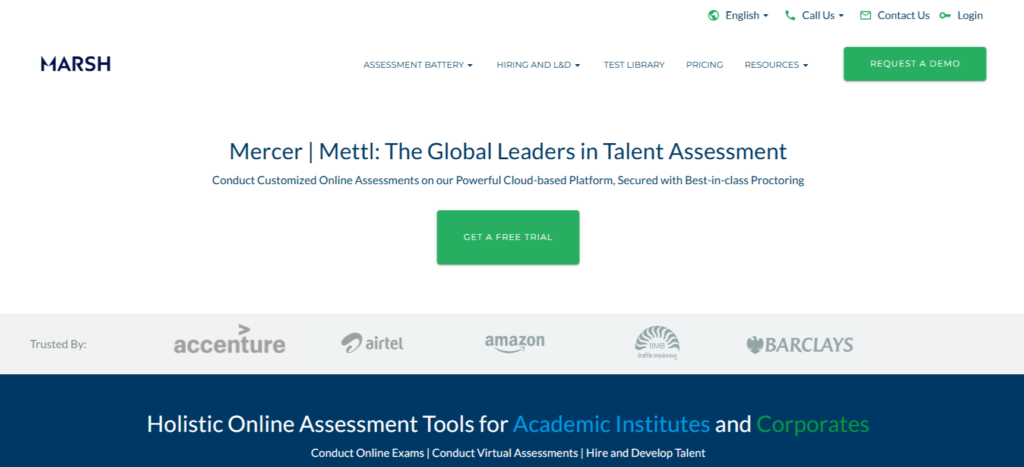
Mercer Mettl is the kind of online exam maker that campuses and enterprises reach for when hundreds of candidates need to sit the same test at once. Its question library runs deep across aptitude, coding, and behavioral tests, and remote proctoring is part of the platform rather than an add-on. That makes it a strong fit for entrance exams, campus hiring drives, and bulk assessments where integrity matters. The trade-off is pricing that rewards steady, high-volume use over occasional testing.
Pros
- Handles high-volume exam cycles well
- Remote proctoring built in
- Deep question library across aptitude, coding, and behavioral tests
Cons
- Credit-based pricing penalizes low or irregular usage
- No published pricing; expect a sales conversation
Pricing: Custom, pay-per-use or subscription-based depending on assessment volume.
5. ClassMarker: Best for Repeatable, High-Volume Exams
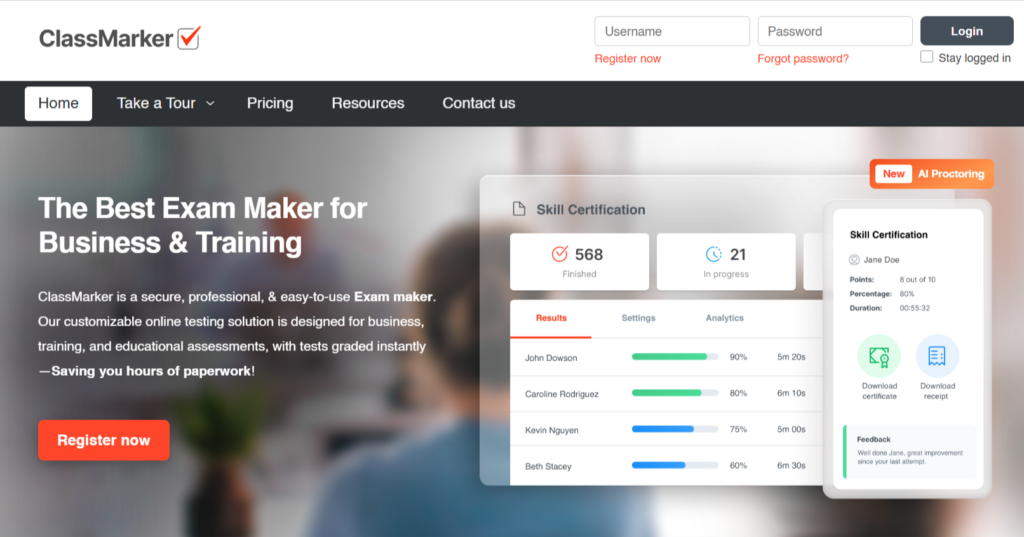
ClassMarker is a web-based testing platform built around auto-graded exams. Sort questions into categories, pull a random set for each candidate, and every person gets a different paper from the same pool. That works like an exam generator for repeatable tests such as compliance checks or entrance exams. Results arrive instantly, and certificates can be issued on passing.
Pros
- Random question pulls from categories
- Instant results and certificates
- Serves both education and business users
Cons
- Focused on testing, so it will not replace a full learning platform
- Features and cost vary by plan, so compare tiers before buying
Pricing: Free version and free trial available. Paid Business and Education plans vary by tier; check ClassMarker’s site for current rates.
6. Testportal: Best for Secure, Flexible Online Exams
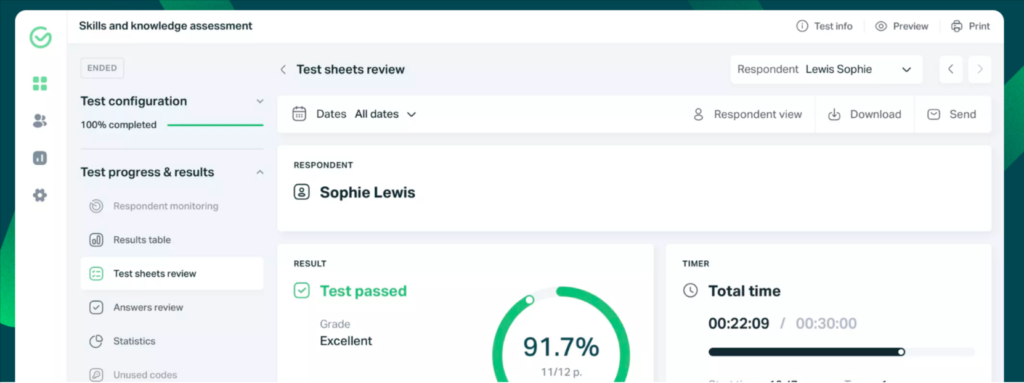
Testportal puts exam integrity near the top of its feature list. Teachers can set time limits, shuffle questions and answers, and review reports on every attempt, with proctoring and security options for more serious tests. It also works as a Microsoft Teams app, which helps schools already on that platform. As an online test maker, it covers classroom exams, entrance tests, and recruitment screening in the same account.
Pros
- Security-focused features, including proctoring options
- Separate education and business plans
- Works inside Microsoft Teams
Cons
- Feature depth varies by plan, so check what your tier includes
- Less widely known, so fewer community tutorials than Google Forms or Moodle
Pricing: Free plan available, with paid subscription plans for businesses and dedicated education plans for teachers at schools and universities.
7. TestGorilla: Best for Hiring and Skills Testing
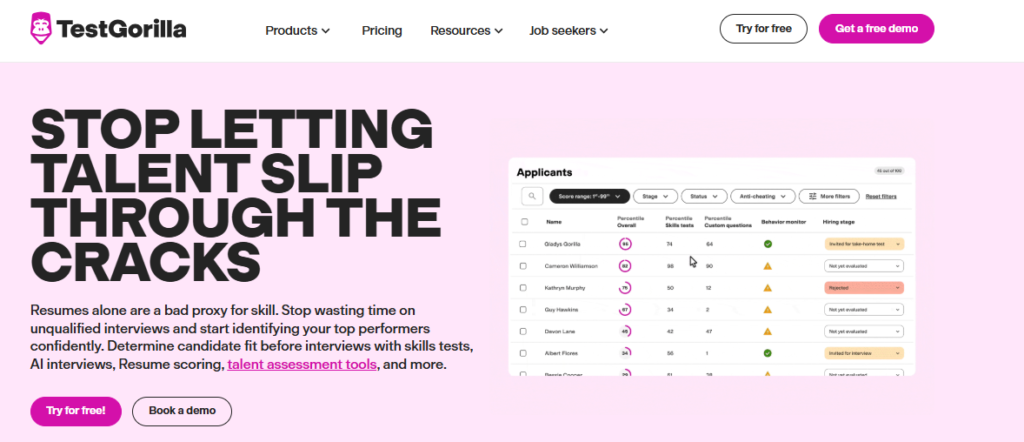
TestGorilla is designed for hiring rather than teaching. Instead of writing every question yourself, you pick from a library of ready-made skills tests, such as cognitive ability, software skills, and language, and bundle them into one assessment. Candidates are ranked by score, so recruiters can shortlist faster. Businesses can also use it for skills checks on existing employees.
Pros
- Large library of ready-made tests
- Ranks candidates automatically
- Strong fit for hiring teams
Cons
- No monthly billing on paid plans; annual commitment only
- Not built for classroom exams
Pricing: Free plan available. Core plan from $135/month (billed annually). Plus plan from $400/month (billed annually).
Choose the Right Online Exam Maker for Your Needs
The best online exam maker depends on the type of assessment you run, the level of security you need, and how often you create tests. Google Forms and Microsoft Forms can handle straightforward quizzes, while Mercer and ExamSoft are better suited to controlled, institution-wide exams. TestGorilla is designed more specifically for hiring assessments.
For teams that need a broader mix of quizzes, training checks, and certification assessments, platforms such as ProProfs Quiz Maker may be worth considering alongside these options.
Whichever tool you choose, prioritize reusable question banks, reliable grading, reporting, and security features that match your actual testing workflow.