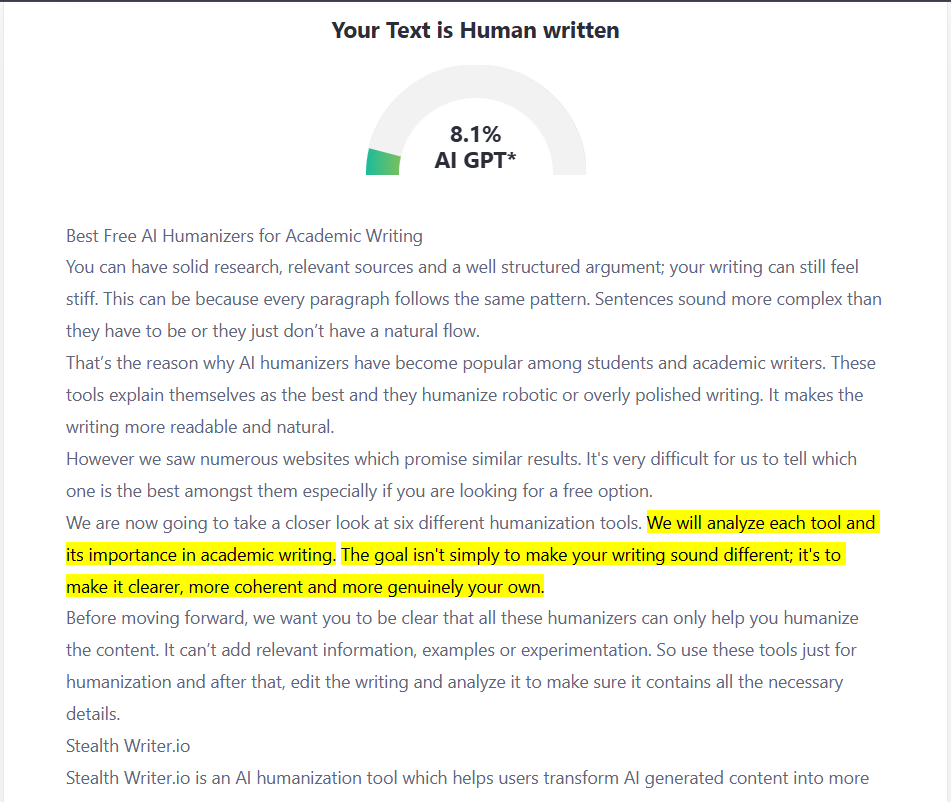
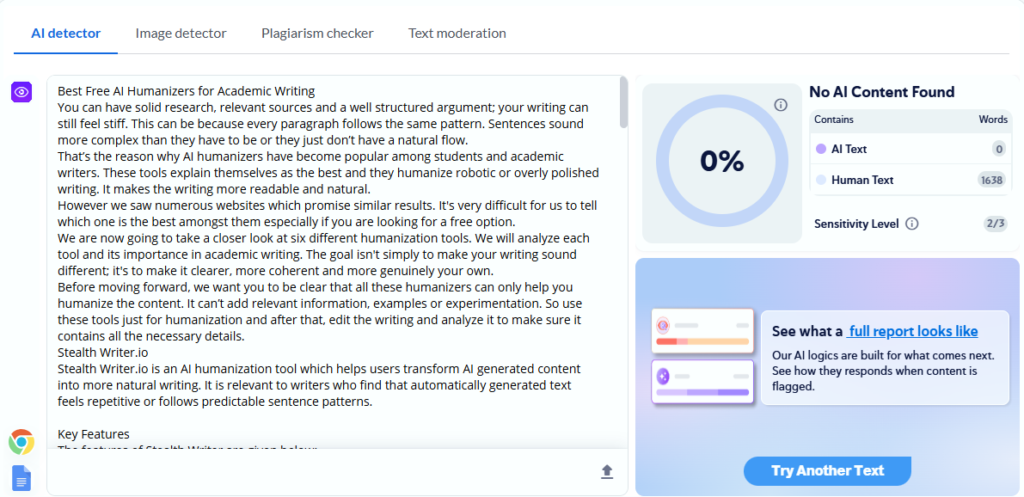
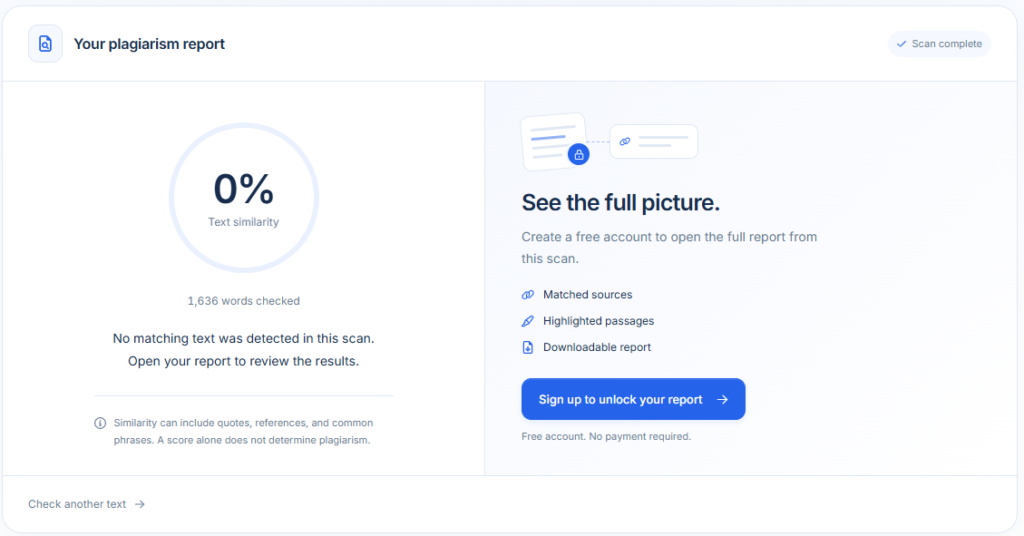
Best Free AI Humanizers for Academic Writing

You can have solid research, relevant sources and a well structured argument; your writing can still feel stiff. This happens because every paragraph follows the same pattern. Sentences sound more complex than they have to be or they just don’t have a natural flow.
That’s the reason why AI humanizers have become popular among students and academic writers. These tools explain themselves as the best and they humanize robotic or overly polished writing. It makes the writing more readable and natural.
However we saw numerous websites which promise similar results. It’s very difficult for us to tell which one is the best amongst them especially if you are looking for a free option.
We are now going to take a closer look at six different humanization tools. We will analyze each tool and its importance in academic writing. The goal isn’t simply to make your writing sound different; it’s to make it clearer, more coherent and more genuinely your own.
Before moving forward, we want you to be clear that all these humanizers can only help you humanize the content. It can’t add relevant information, examples or experimentation. So use these tools just for humanization and after that, edit the writing and analyze it to make sure it contains all the necessary details.
Stealth Writer
Stealth Writer is an AI humanization tool which helps users transform AI generated content into more natural writing. It is relevant to writers who find that automatically generated text feels repetitive or follows predictable sentence patterns.
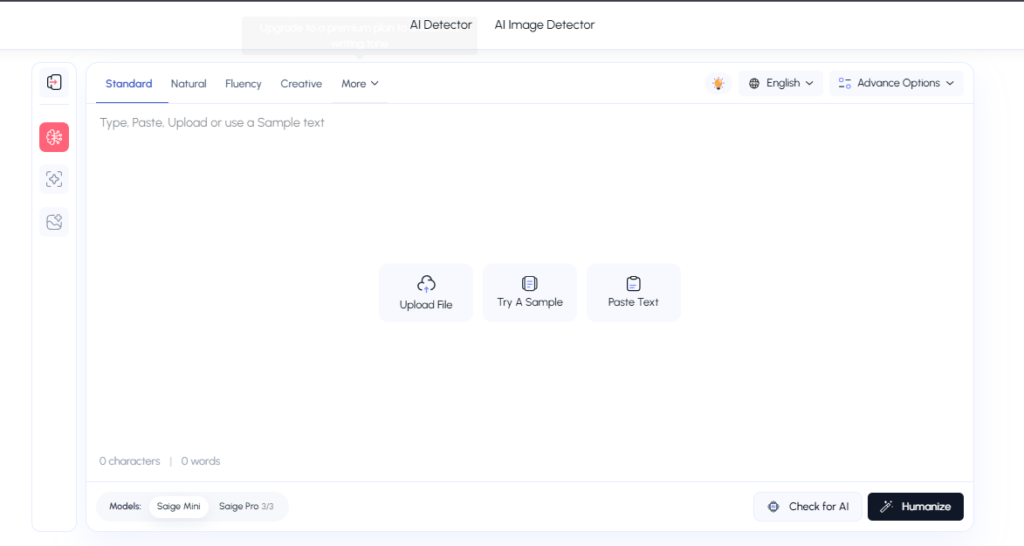
Key Features
The features of Stealth Writer are given below:
- Humanization: Helps humanize the sentences and paragraphs to bypass different AI detectors.
- Readability improvements: Help make awkward or overly mechanical passages easier to read.
- Humanization Level: You can choose the humanization level as per your needs.
- Tones: Select from 8 different tones.
- Language Selection: Select from 6 different languages and choose the one you want.
One thing you need to remember is that this tool can only humanize 1000 words per input. So you can paste it and get your desired outcomes.
Checking Stealth Writer
Students can use this tool to humanize generic and robotic sounding AI sentences and improve the flow of a draft. Let’s check this tool now.
Stealth Writer also lets you choose the language. In this tool you can see 6 different language options. Just click on your preferred language and start humanization.
So we start by pasting the AI content into this tool. We didn’t change the language as we want the humanized version in English. Then we click on “humanize AI” to start the humanization process.
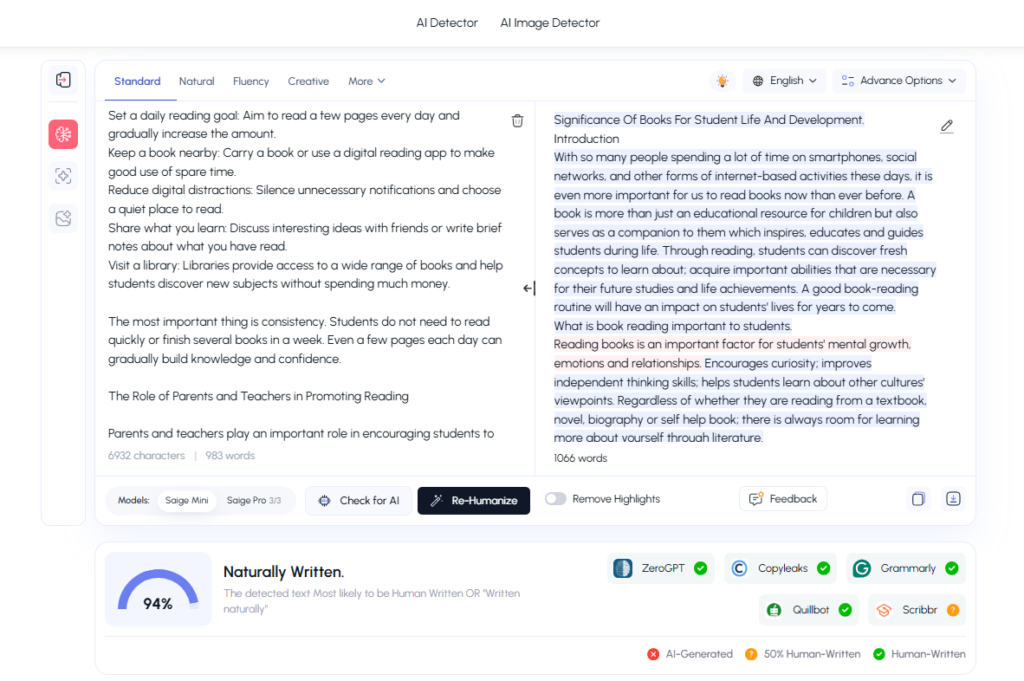
You can see that this tool not only humanizes the content but also helps us know which tools it bypasses. We have analyzed the content as well and it is much smoother and more natural now. Moreover it also retains the original context.
Stealth AI Humanizer
Stealth AI Humanizer is another helpful tool in the AI humanization space. It uses natural language learning to humanize the content. This tool doesn’t just give you access to a humanization tool but also to the AI detector.
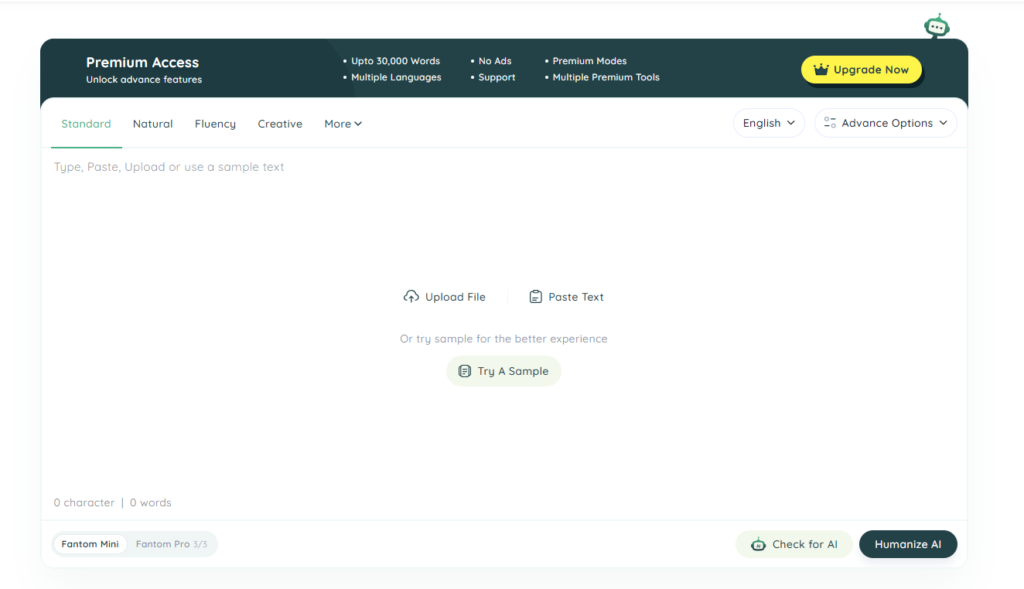
After humanizing the content, this tool checks for AI in the content and gives you the results. Hence you can know what percentage of your writing is AI generated.
Key Features
Some of the features in this tool are given below:
- AI text humanization: Humanize text to change its phrasing and sentence structure.
- Tone variation: Offers you up to 8 different tones
- AI Check: Can help writers identify passages that sound generic or unnatural.
- Language Selection: Choose from 6 different languages and get a humanized version in your preferred language.
- Content Restructuring: Choose up to 10 drafts which means you can get 10 variants for a single piece of content.
You can humanize 1000 words per input. So paste 1000 words, check the options relevant to you and start the humanization process.
Checking Stealth AI Humanizer
Students or academic writers want a tool which can help them balance clarity with precision. Stealth AI humanizer can help them improve the readability of the rough draft and make the writing smooth and human.
We paste the AI written content into this tool and click on the humanize button. The tool starts its humanization process. This is what we get:
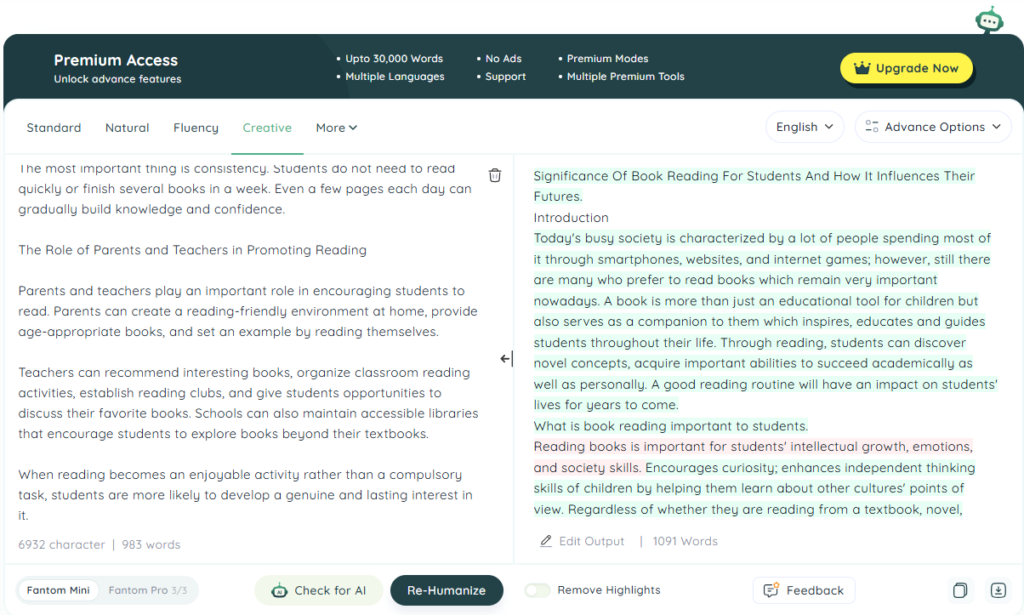
The writing is smooth and sounds natural. This tool mainly uses active voice sentences. For this reason the writing doesn’t sound awkward. Moreover this tool also retains the original context of the content.
Academic writers or students nowadays have to prove that their content doesn’t contain AI. So this tool can help them prove that as well. Thus we can say that this tool is great for academic writing.
Humanize AI Pro
This is another AI humanizer through which you can humanize your AI text easily. This tool rephrases AI generated text and eliminates the robotic undertones. The text it provides resonates naturally with human readers.
Key Features
This tool provides access to various features which are as follows:
- Rewrite level: Choose the rewrite level which suites you the best. However a higher level will change the context.
- Custom Style: Customize your writing style which helps the tool to write in your style.
- Content refinement: Can provide a starting point for editing AI assisted drafts.
- Writing Level: Choose from easily readable to very difficult writing level.
This tool can humanize 250 words only. More than 250 words will be blurred and you won’t be able to see the humanized version.
Checking Humanize AI
This rewriting tool offers alternative expressions that help the writer revise the text. Lets check this tool now:
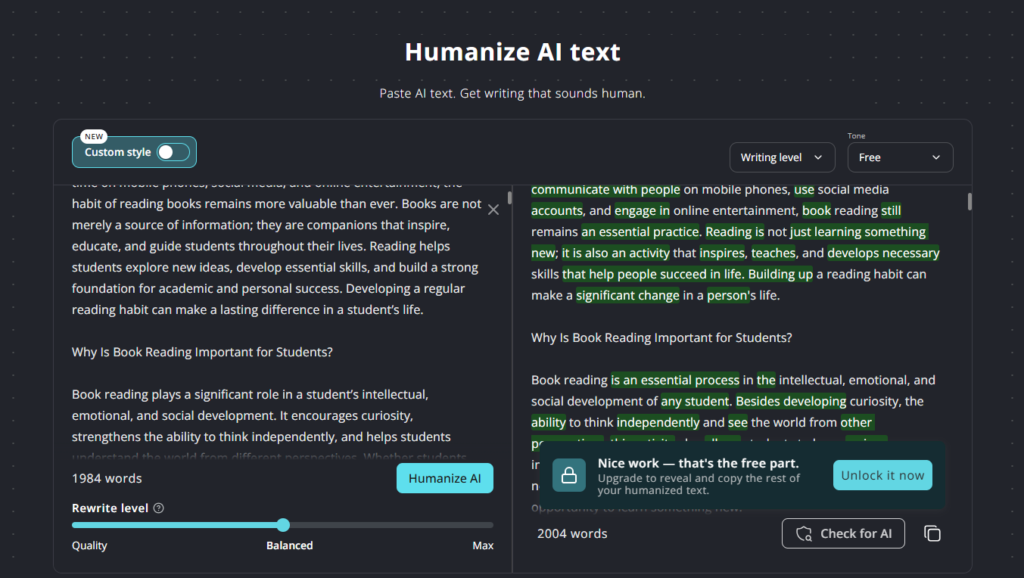
So the content is humanized. The humanized version is smooth and retains context. However one thing we can clearly see here is that it rewrites words in between the sentences. It doesn’t rewrite the whole paragraphs or the whole content.
Stealth Writer
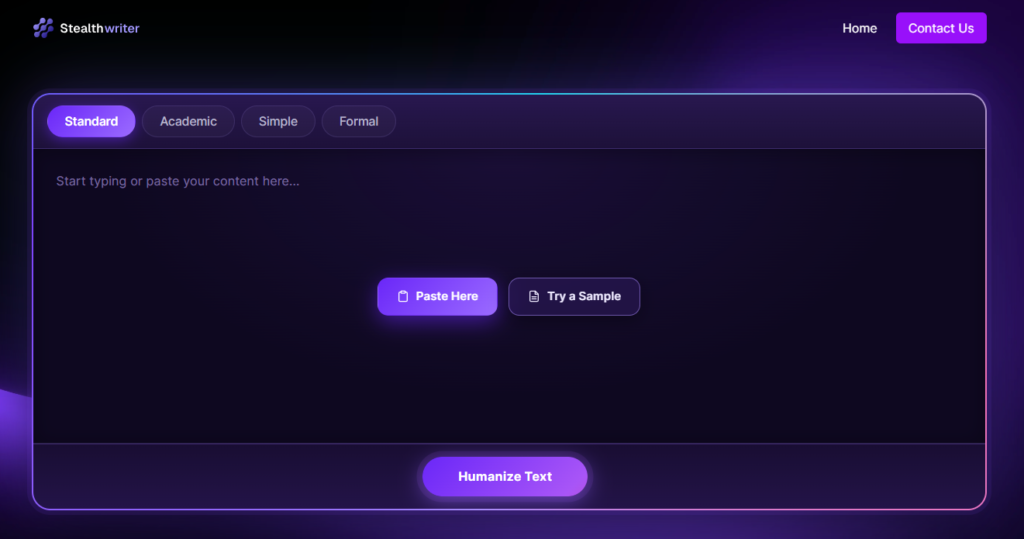
Stealth Writer is another website name associated with AI rewriting and humanization. The interface of this website is pretty simple. It provides different ways to express an idea. It allows you to select language that suits the intended meaning.
Key Features
Some of the features of this tool are given below:
- Text rewriting: Rewrite the text in a completely natural way.
- Writing style options: Users can choose from four different writing tones.
- Originality: Get plag free content that will not match any of the content on the internet.
You can humanize 1000 words per input. If your writing is more than that then you need to humanize the other half afterwards.
Checking Stealth Writer
This tool helps students revise repetitive wording, simplify difficult sentences or improve the flow between paragraphs. Let’s check this tool now.
So we took the AI generated content again and pasted that content into the tool. Then we clicked on the “Humanize Text” button to start the humanization process. The results we get from this tool are given below:
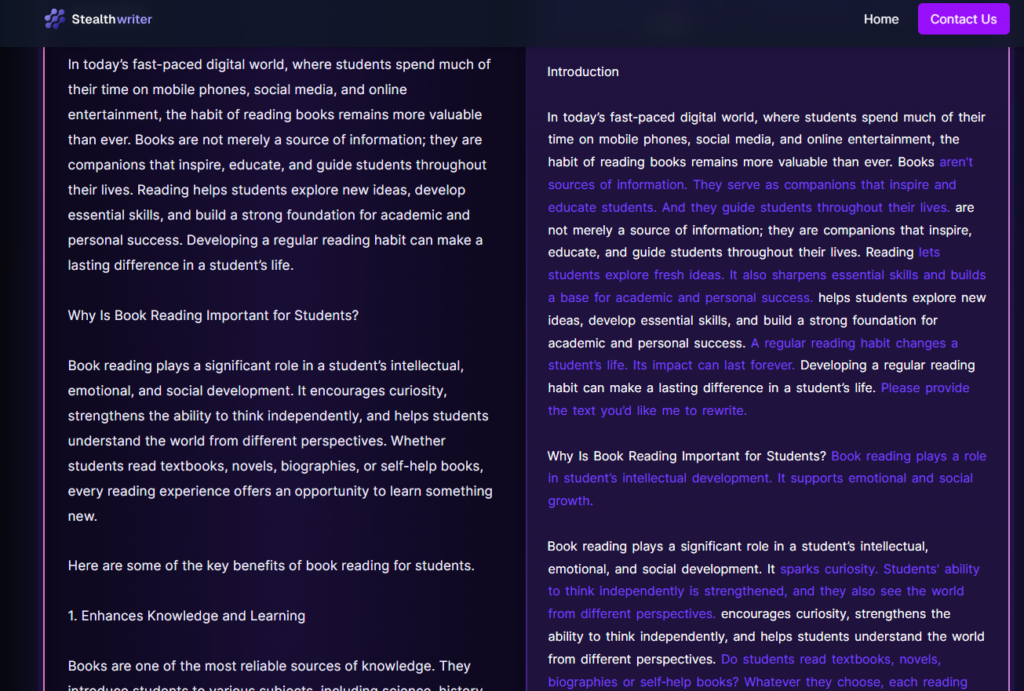
The humanized content is smooth but still, like the earlier tool, it doesn’t humanize each sentence or line by line. It just humanizes some sentences from the paragraphs.
Quillbot
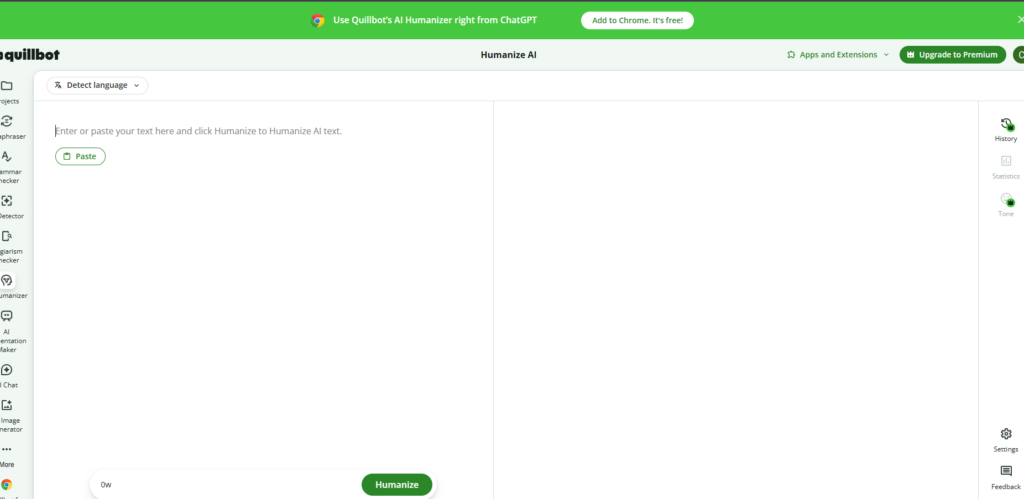
QuillBot is a known writing assistant. It offers paraphrasing and other text editing features. QuillBot is useful for a broader range of writing and revision tasks.
Key Features
- Paraphraser: Generates alternative wording for selected text.
- Grammar Checker: Helps find grammatical errors and writing issues.
- Language Selection: Get different variants of English and other languages as well.
You can only humanize 100 words per input. No more than 100 words are allowed.
Checking Quillbot
QuillBot is especially useful during the editing stage of an essay, literature review or research paper. We are going to check this tool now.
So we pasted the content into this tool and clicked on the “Humanize” button. This tool then starts humanizing the AI content. The results are:
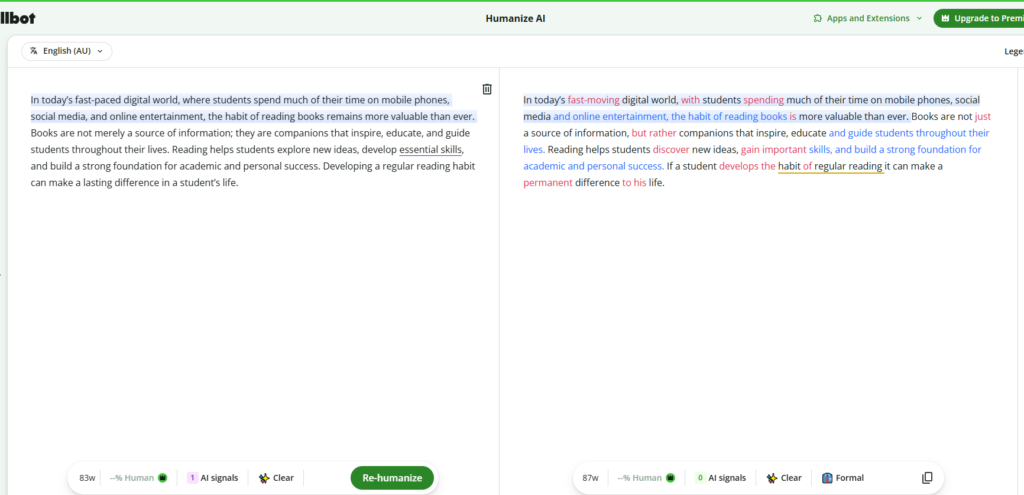
This is the result we get from this tool. The sentences are humanized and we can say that it retains the context. You can also click on the words to get different alternatives for the words.
Grammarly
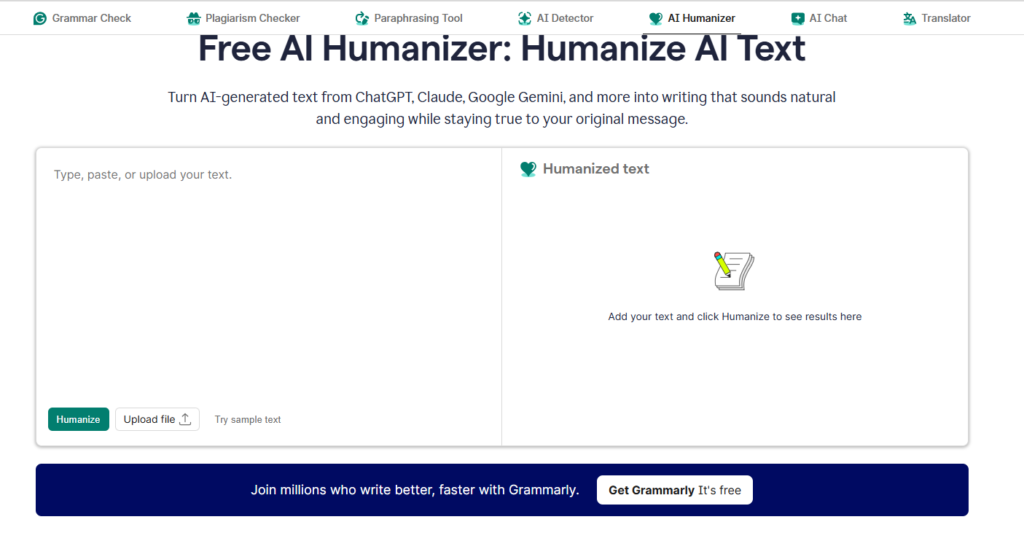
Grammarly is also well known tool but it’s mostly famous as a grammar checker. It provides an AI humanizer as well. It helps you turn AI text from various AI writing tools into human and natural sounding content.
Key Features
Some of the features available in this tool are given below:
- Text Humanization: Humanize your AI generated content easily and bypass AI detectors.
- AI detector: Check your text using this tool so you can know the percentage of AI in your writing.
- Upload File: Either paste the content or upload the file for humanization.
Grammarly allows you to humanize 1500 words per input. It’s more than any humanizer we’ve encountered until now.
Checking Grammarly
We know about the tool and its features; let’s check it as well. After clicking the “Humanize” button in this tool, it starts the process. The results we get are given below:
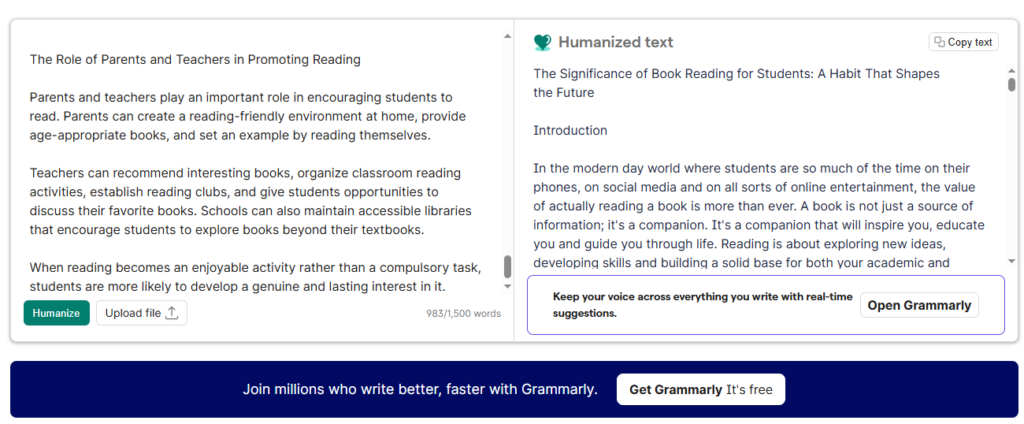
It properly humanizes the text and the content reads naturally. Moreover it also retains the original context so it is also good in this regard.
Conclusion
Choosing the AI humanizer for academic writing depends on what you want to improve. All these tools help you humanize or rewrite the AI generated text. Hence, making your text smoother.
Some students find humanizer with various tone selection and language selection with other features, helpful. Meanwhile some will prefer humanization with grammar checking. So it totally depends on the person using the tool. However, no tool can replace careful research, critical thinking, accurate citations and your own editorial judgment.
The most effective approach is to use AI as a writing assistant. You should never use it as a substitute for academic work. Focus on producing clear, accurate, original and properly referenced writing that showcase your understanding of the subject.