Question: Which of the following is not output device?
Answer:
Output devices are computer components that are used to display or output data and results from the computer system. Here are some common output devices:
- Monitor: This is the most common output device that displays text, images, and video on a screen. It can be either a CRT (cathode ray tube) monitor or a flat-panel display such as an LCD (liquid crystal display) or LED (light-emitting diode) monitor.
- Printer: This is an output device that produces a hard copy of text and images on paper. Printers can be either inkjet, laser, or dot matrix printers.
- Speakers: These are output devices that produce sound and music from the computer system. They are commonly used for listening to music, watching videos, and playing games.
- Headphones: These are output devices that produce sound and music and are used for private listening. They can be either wired or wireless and can be connected to the computer through a 3.5mm jack or a USB port.
- Projector: This is an output device that projects images and videos onto a larger screen or wall. It is commonly used for presentations, meetings, and movies.
- Plotter: This is an output device that produces high-quality graphics and images on paper or other materials. It is commonly used for technical drawings, engineering designs, and architectural plans.
- Touchscreen display: This is an output device that combines a monitor with a touch-sensitive screen, allowing users to interact with the computer system by touching the screen directly. They are commonly used in kiosks, ATMs, and other interactive systems.
MCQ: Which of the following is not output device?
Explanation:
Output devices are computer components that are used to display or output data and results from the computer system. Here are some common output devices:
- Monitor: This is the most common output device that displays text, images, and video on a screen. It can be either a CRT (cathode ray tube) monitor or a flat-panel display such as an LCD (liquid crystal display) or LED (light-emitting diode) monitor.
- Printer: This is an output device that produces a hard copy of text and images on paper. Printers can be either inkjet, laser, or dot matrix printers.
- Speakers: These are output devices that produce sound and music from the computer system. They are commonly used for listening to music, watching videos, and playing games.
- Headphones: These are output devices that produce sound and music and are used for private listening. They can be either wired or wireless and can be connected to the computer through a 3.5mm jack or a USB port.
- Projector: This is an output device that projects images and videos onto a larger screen or wall. It is commonly used for presentations, meetings, and movies.
- Plotter: This is an output device that produces high-quality graphics and images on paper or other materials. It is commonly used for technical drawings, engineering designs, and architectural plans.
- Touchscreen display: This is an output device that combines a monitor with a touch-sensitive screen, allowing users to interact with the computer system by touching the screen directly. They are commonly used in kiosks, ATMs, and other interactive systems.
Discuss a Question
Related Questions
- 1. Joystick is used for____________
- 2. Trackball is output device
- 3. ALU is part of Memory
- 4. CPU consist of
- 5. _______is Volatile Memory
- 6. _____________ is non volatile memory
- 7. Which of the following is the Valid Measurement unit of memory
- 8. Hardware can work without device driver
- 9. Which of the following if not OS
- 10. DVD is having more storage capacity than CD
You may be interested in:
Computer Basics MCQsRecently Added Articles
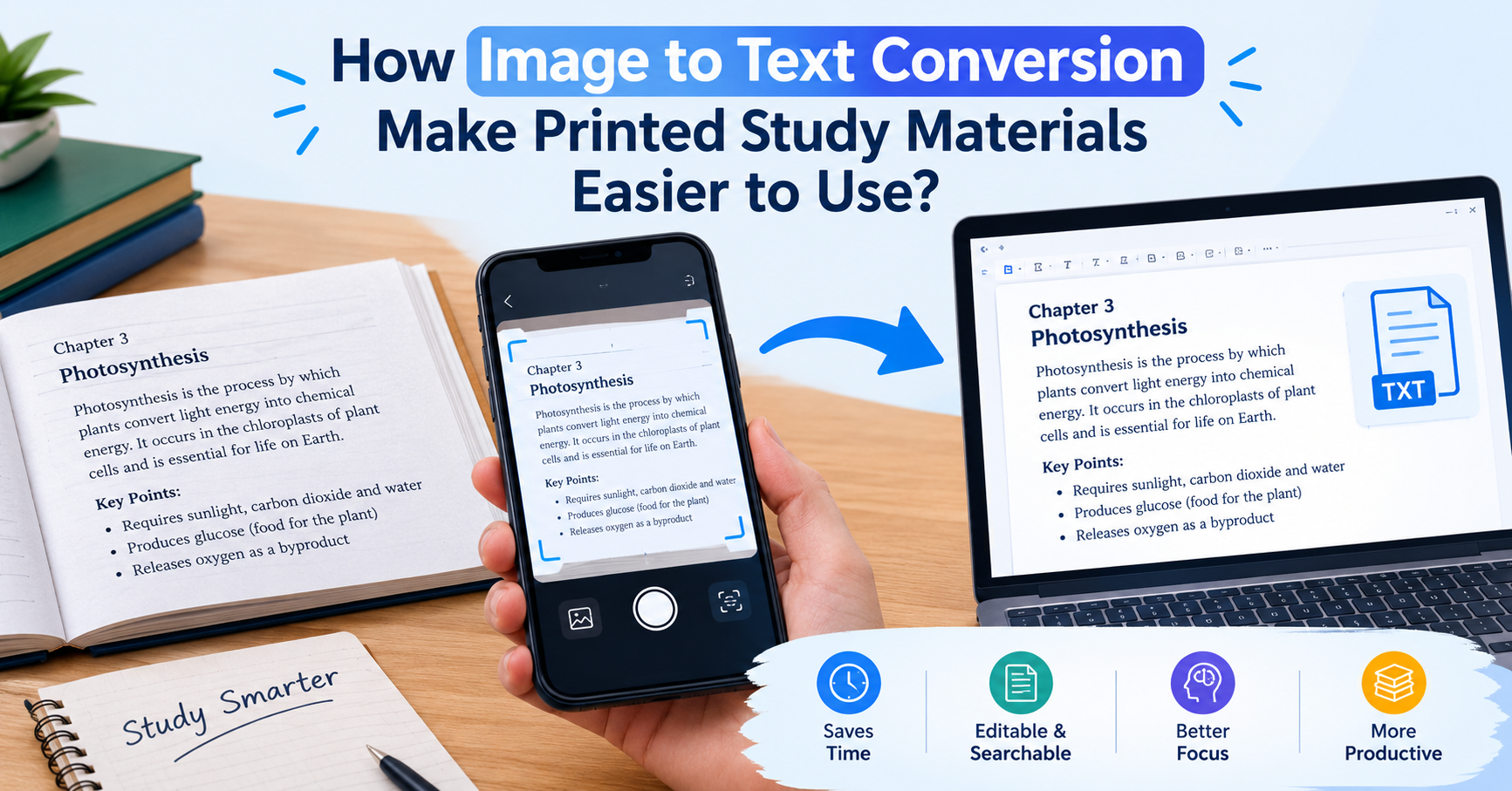
How Image to Text Conversion Make Printed Study Materials Easier to Use?
Last updated on: October 23, 2026Posted by: ExamRadar
7 Best Online Exam Makers for Teachers, Schools, and Businesses
Last updated on: October 21, 2026Posted by: ExamRadar

How to pick a Bintan resort when you’ve only got 48 hours
Last updated on: September 23, 2026Posted by: ExamRadar
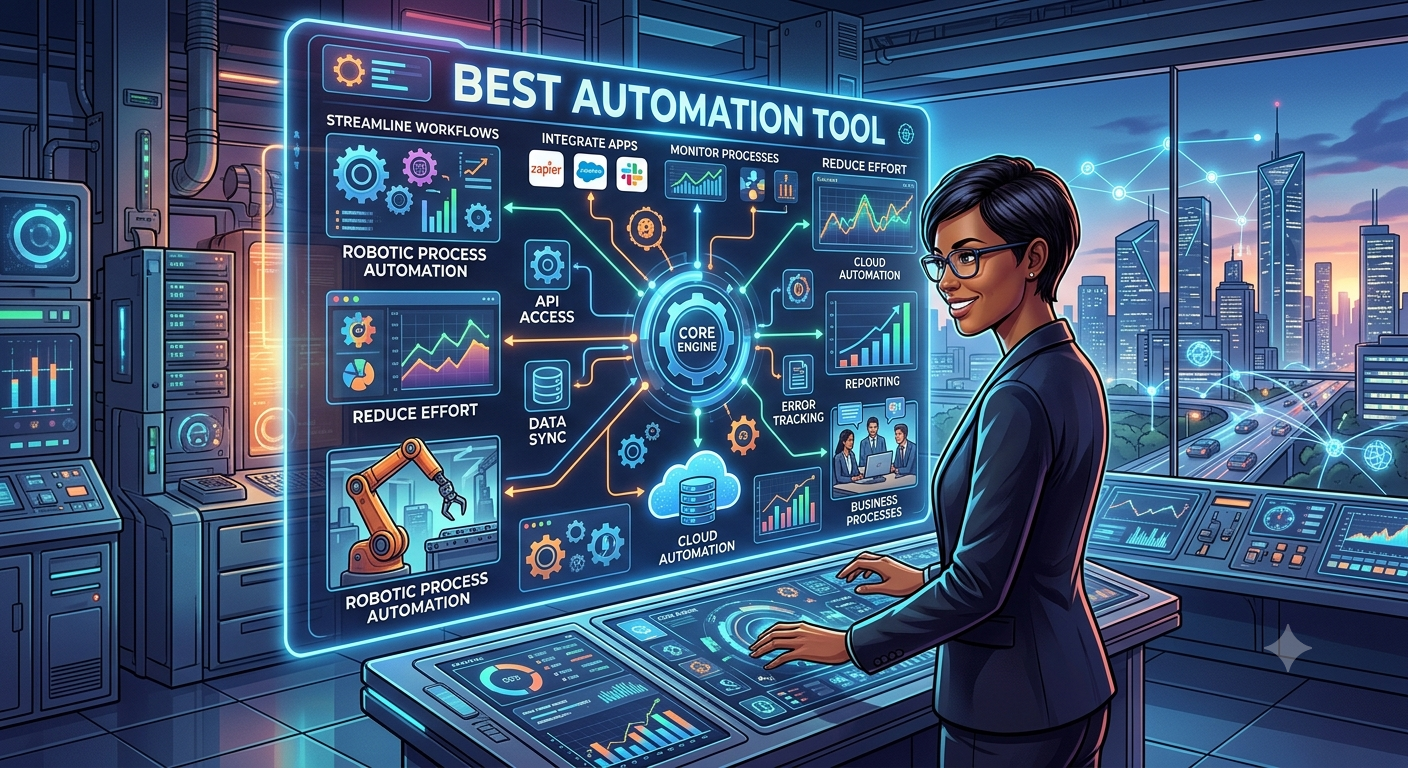
Features to Look for While Choosing the Best Automation Tool
Last updated on: July 15, 2026Posted by: ExamRadar
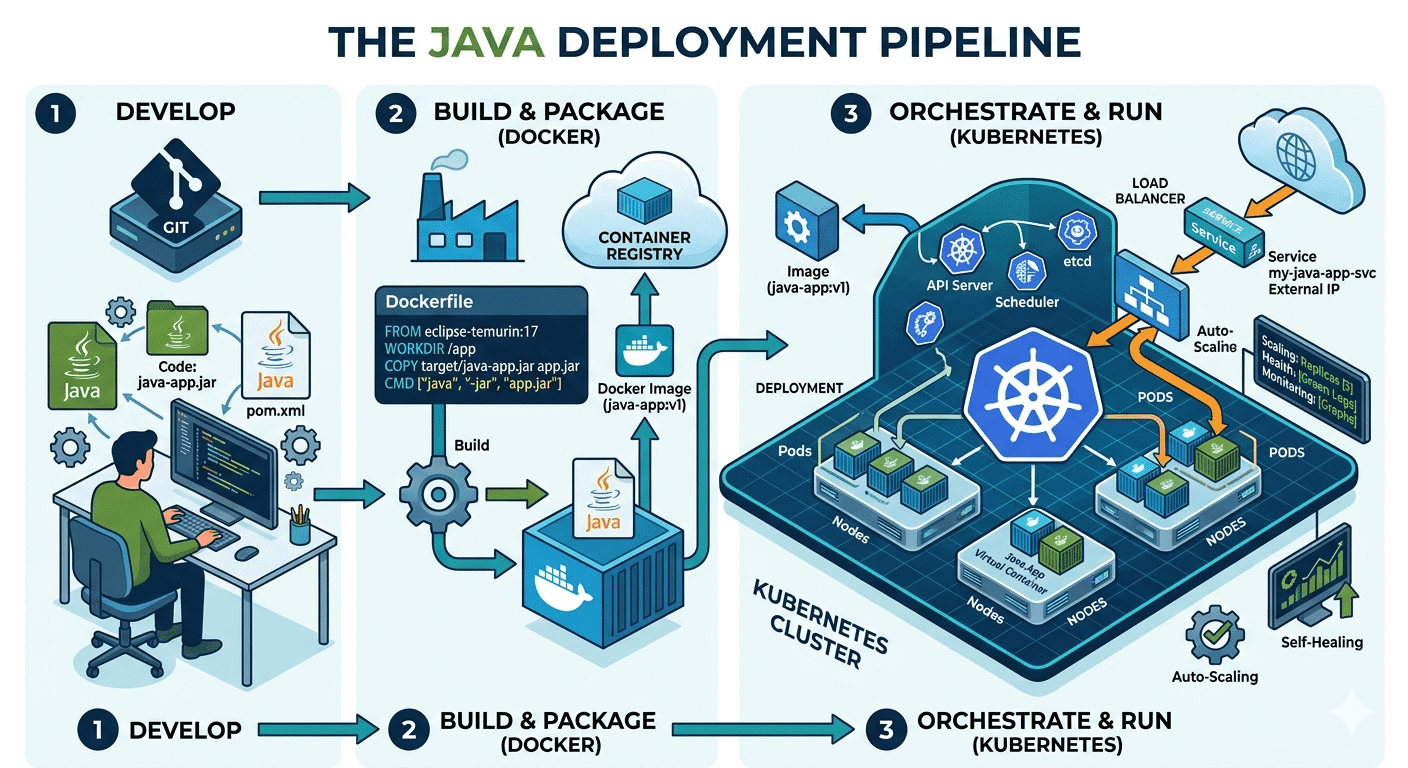
How Do Java Development Teams Use Docker and Kubernetes to Deploy Applications?
Last updated on: April 24, 2026Posted by: ExamRadar
AI vs Machine Learning: Key Differences Every Professional Should Know
Last updated on: February 13, 2026Posted by: ExamRadar
Office Cleaning Services That Elevate Sydney Offices
Last updated on: February 11, 2026Posted by: ExamRadar

What You Actually Learn About Exam Patterns From RBI Grade B Previous Year Papers?
Last updated on: February 9, 2026Posted by: ExamRadar