Question: An element that contains a plus sign next to it, is called _________.
Answer:
An element that contains a plus sign next to it is called an "expandable" or "collapsible" Or container element.
In user interfaces, an expandable or collapsible element is typically represented by a control, such as a plus sign (+) or a caret icon, that indicates the ability to expand or collapse a section of content. When the control is clicked or activated, the corresponding content is either expanded or collapsed, providing a way to show or hide additional information or sections.
These expandable or collapsible elements are commonly used in various contexts, such as accordion menus, collapsible sections, or tree-like structures, where a hierarchy of content needs to be selectively revealed or hidden.
For example, in an accordion menu, each menu item may have a plus sign (+) next to it. When the plus sign is clicked, the corresponding submenu expands, revealing additional options. Clicking again on the expanded element collapses it, hiding the additional options.
The use of expandable or collapsible elements provides a user-friendly way to manage complex content structures and allows users to interactively control the visibility of specific sections, enhancing the overall usability and organization of user interfaces.
MCQ: An element that contains a plus sign next to it, is called _________.
Explanation:
An element that contains a plus sign next to it is called an "expandable" or "collapsible" Or container element.
In user interfaces, an expandable or collapsible element is typically represented by a control, such as a plus sign (+) or a caret icon, that indicates the ability to expand or collapse a section of content. When the control is clicked or activated, the corresponding content is either expanded or collapsed, providing a way to show or hide additional information or sections.
These expandable or collapsible elements are commonly used in various contexts, such as accordion menus, collapsible sections, or tree-like structures, where a hierarchy of content needs to be selectively revealed or hidden.
For example, in an accordion menu, each menu item may have a plus sign (+) next to it. When the plus sign is clicked, the corresponding submenu expands, revealing additional options. Clicking again on the expanded element collapses it, hiding the additional options.
The use of expandable or collapsible elements provides a user-friendly way to manage complex content structures and allows users to interactively control the visibility of specific sections, enhancing the overall usability and organization of user interfaces.
Discuss a Question
Related Questions
- 1. What is Unicode in the computers?
- 2. ________ is enclosed in angle brackets.
- 3. What is Parameter entities in the context of XML and DTD (Document Type Definition)?
- 4. Which of the following is NOT a fundamental component of web development?
- 5. XML documents are called ________ sections
- 6. The ____ and ______ attributes specify the layout of frames within the browser window.
- 7. The ________ attribute in an input element inserts a button that, when click will clear the contents of reset.
- 8. CSS introduces the position property and a capability called ________.
- 9. Which of the Following is correct special character Code
- 10. By default, ordered list use _____ sequence of numbers
You may be interested in:
Web Fundamental MCQsRecently Added Articles
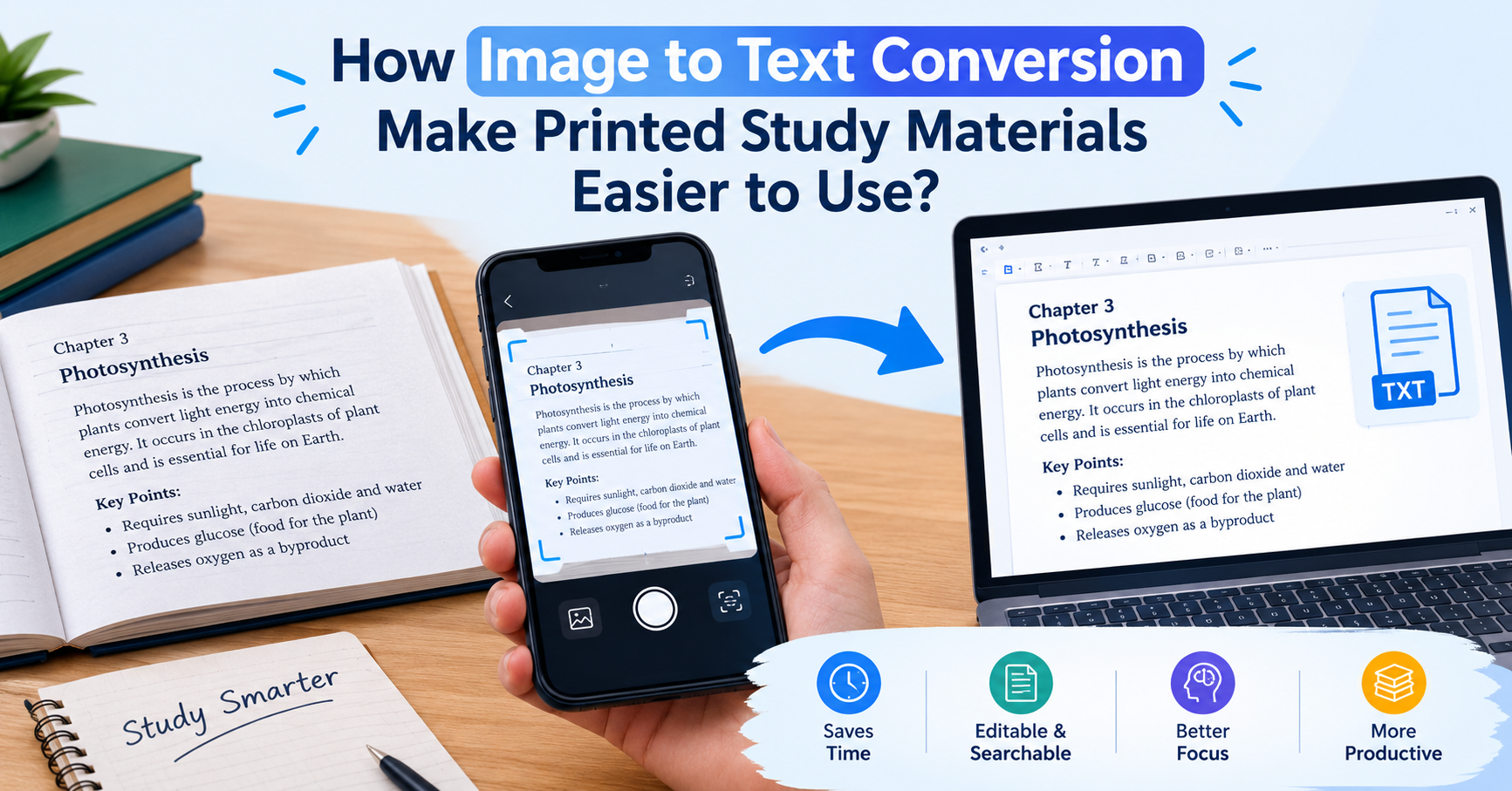
How Image to Text Conversion Make Printed Study Materials Easier to Use?
Last updated on: October 23, 2026Posted by: ExamRadar
7 Best Online Exam Makers for Teachers, Schools, and Businesses
Last updated on: October 21, 2026Posted by: ExamRadar

How to pick a Bintan resort when you’ve only got 48 hours
Last updated on: September 23, 2026Posted by: ExamRadar

Features to Look for While Choosing the Best Automation Tool
Last updated on: July 15, 2026Posted by: ExamRadar
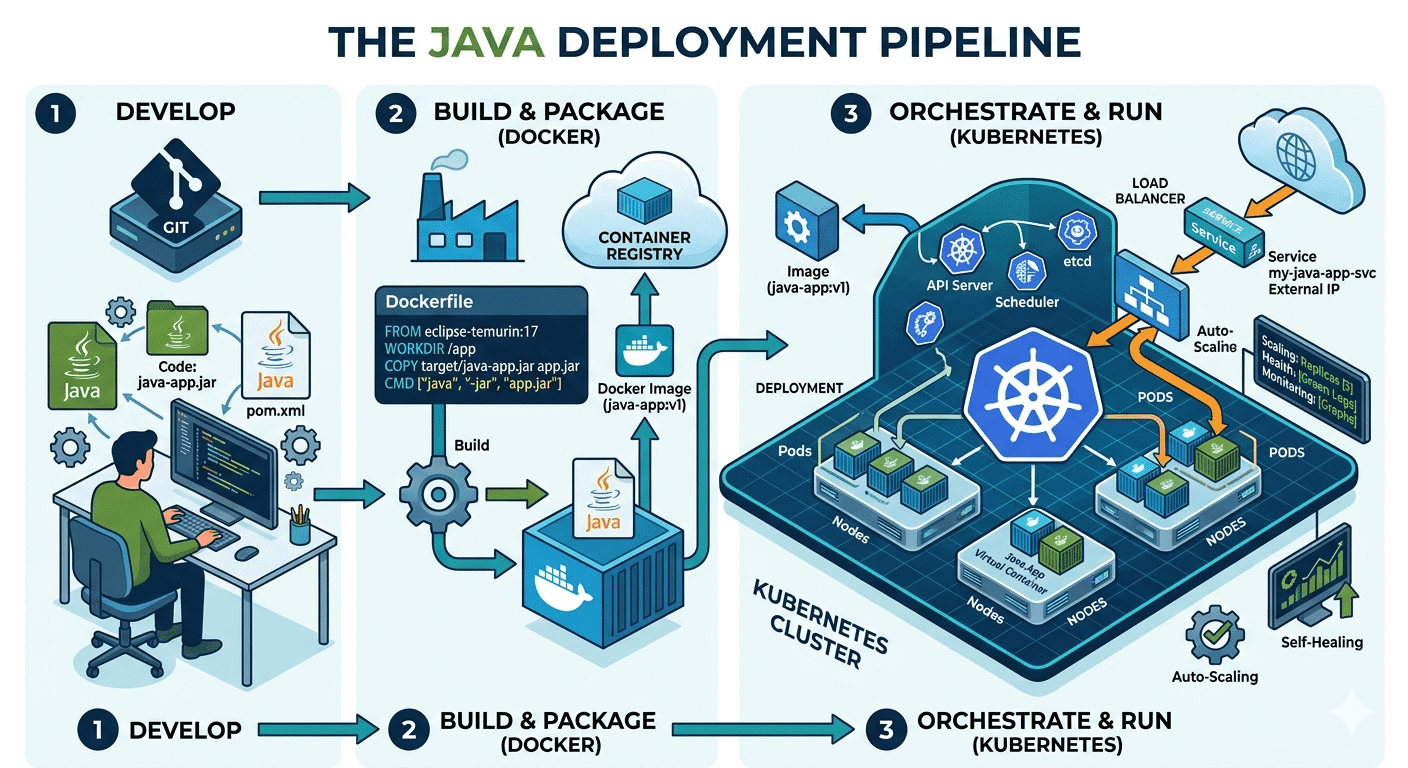
How Do Java Development Teams Use Docker and Kubernetes to Deploy Applications?
Last updated on: April 24, 2026Posted by: ExamRadar

AI vs Machine Learning: Key Differences Every Professional Should Know
Last updated on: February 13, 2026Posted by: ExamRadar

Office Cleaning Services That Elevate Sydney Offices
Last updated on: February 11, 2026Posted by: ExamRadar
What You Actually Learn About Exam Patterns From RBI Grade B Previous Year Papers?
Last updated on: February 9, 2026Posted by: ExamRadar