Question: ________Execute a command as another user
Answer:
- The "sudo" command can be used to execute a command as another user on Unix-based systems.
- Sudo allows a user with administrative privileges to execute a command as another user or as the root user. The syntax for using sudo to execute a command as another user is as follows:
- sudo -u <username> <command>
- Here,
<username>is the username of the user that you want to execute the command as, and<command>is the command that you want to execute. - For example, to execute the command "ls" as the user "jane", you would use the following command:
- sudo -u jane ls
- You will be prompted to enter the password of the current user (with administrative privileges) before the command is executed.
- Note that the use of sudo and the ability to execute commands as another user are controlled by the system's security policies and access controls.
MCQ: ________Execute a command as another user
Correct Answer:
A. who
Explanation:
- The "sudo" command can be used to execute a command as another user on Unix-based systems.
- Sudo allows a user with administrative privileges to execute a command as another user or as the root user. The syntax for using sudo to execute a command as another user is as follows:
- sudo -u <username> <command>
- Here,
<username>is the username of the user that you want to execute the command as, and<command>is the command that you want to execute. - For example, to execute the command "ls" as the user "jane", you would use the following command:
- sudo -u jane ls
- You will be prompted to enter the password of the current user (with administrative privileges) before the command is executed.
- Note that the use of sudo and the ability to execute commands as another user are controlled by the system's security policies and access controls.
Discuss a Question
Related Questions
- 1. ________ is used to install and remove packages and control downloading them from a repository in the Linux based operating system
- 2. Which of the following is not flavor of linux?
- 3. 7-zip is ___________
- 4. Ubuntu is windows based
- 5. ________ is HTTP web server
- 6. Symbian is valid Linux Based Shell
- 7. Following is valid Linux based Shell
- 8. Shell is the exclusive feature of
- 9. Operating system is
- 10. A system call is a method by which a program makes a request to the
You may be interested in:
Computer Basics MCQsRecently Added Articles

How Image to Text Conversion Make Printed Study Materials Easier to Use?
Last updated on: October 23, 2026Posted by: ExamRadar

7 Best Online Exam Makers for Teachers, Schools, and Businesses
Last updated on: October 21, 2026Posted by: ExamRadar

How to pick a Bintan resort when you’ve only got 48 hours
Last updated on: September 23, 2026Posted by: ExamRadar

Features to Look for While Choosing the Best Automation Tool
Last updated on: July 15, 2026Posted by: ExamRadar
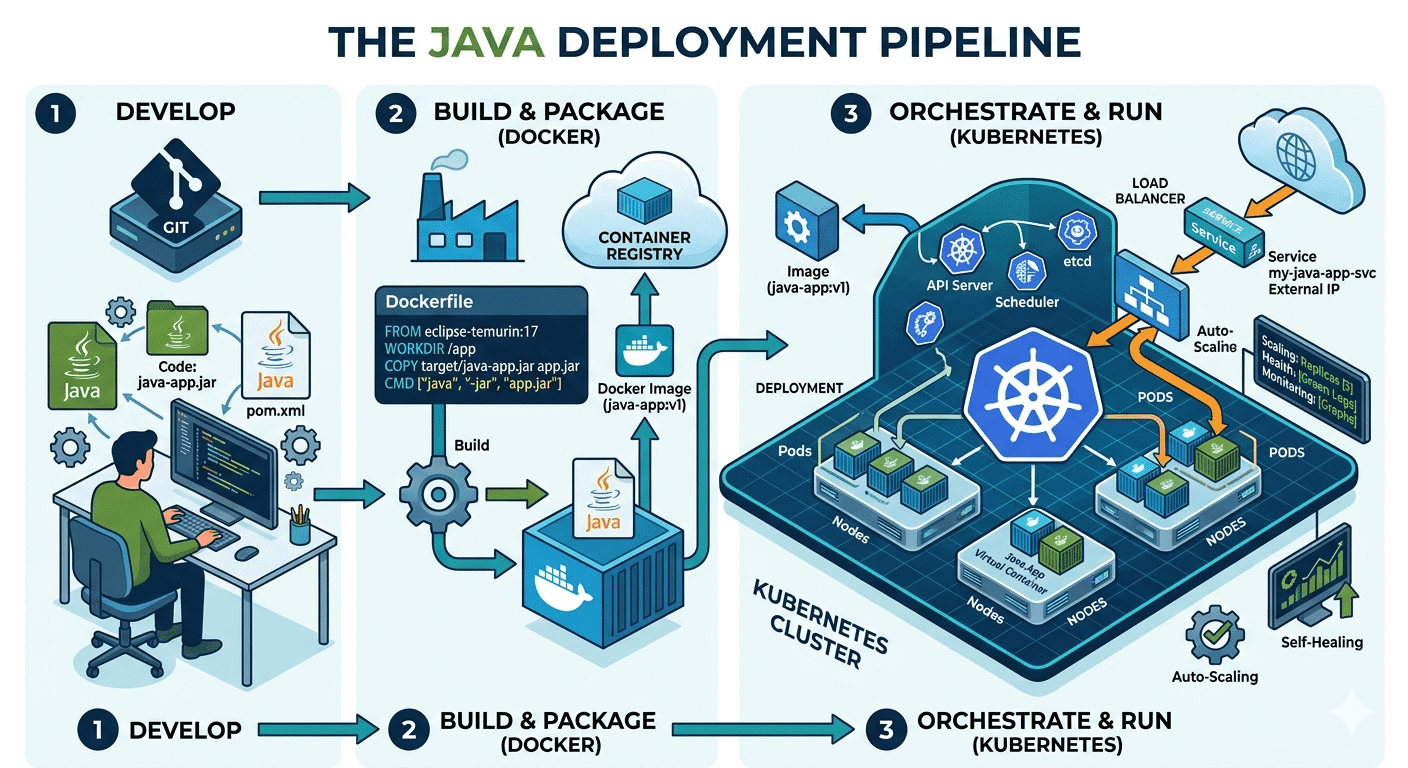
How Do Java Development Teams Use Docker and Kubernetes to Deploy Applications?
Last updated on: April 24, 2026Posted by: ExamRadar

AI vs Machine Learning: Key Differences Every Professional Should Know
Last updated on: February 13, 2026Posted by: ExamRadar

Office Cleaning Services That Elevate Sydney Offices
Last updated on: February 11, 2026Posted by: ExamRadar

What You Actually Learn About Exam Patterns From RBI Grade B Previous Year Papers?
Last updated on: February 9, 2026Posted by: ExamRadar