Question: Which program is used to compress the big file into small file?
Answer:
One commonly used program to compress large files into smaller ones is a file compression utility such as WinRAR, 7-Zip, or WinZip. These programs utilize various compression algorithms to reduce the size of files and create compressed archives.
When you compress a file using these programs, they apply compression algorithms to eliminate redundant or unnecessary data, resulting in a smaller file size. The compressed file is typically stored in a compressed format such as ZIP, RAR, or 7z.
To compress a file using such a program, you typically select the file or files you want to compress, right-click, and choose the "Add to archive" or similar option. You can then specify the compression settings, such as the compression method and level, and create the compressed file.
Compressed files can be easily transferred or shared, as they take up less disk space and can be downloaded or uploaded faster. To access the contents of a compressed file, you need to extract or decompress it using the same compression utility or a compatible program.
It's important to note that the amount of compression achieved depends on the type of file being compressed. Some file formats, such as already compressed files (e.g., JPEG images, MP3 audio files), may not compress significantly or at all since they are already optimized for size.
MCQ: Which program is used to compress the big file into small file?
Explanation:
One commonly used program to compress large files into smaller ones is a file compression utility such as WinRAR, 7-Zip, or WinZip. These programs utilize various compression algorithms to reduce the size of files and create compressed archives.
When you compress a file using these programs, they apply compression algorithms to eliminate redundant or unnecessary data, resulting in a smaller file size. The compressed file is typically stored in a compressed format such as ZIP, RAR, or 7z.
To compress a file using such a program, you typically select the file or files you want to compress, right-click, and choose the "Add to archive" or similar option. You can then specify the compression settings, such as the compression method and level, and create the compressed file.
Compressed files can be easily transferred or shared, as they take up less disk space and can be downloaded or uploaded faster. To access the contents of a compressed file, you need to extract or decompress it using the same compression utility or a compatible program.
It's important to note that the amount of compression achieved depends on the type of file being compressed. Some file formats, such as already compressed files (e.g., JPEG images, MP3 audio files), may not compress significantly or at all since they are already optimized for size.
Discuss a Question
Related Questions
- 1. Brief Explanations about Oracle
- 2. How to delete files from the Recycle bin without storing in it?
- 3. Generally virtual memory is located at
- 4. from where you can change the mouse setting
- 5. Internet Explorer
- 6. Which key is used to close the Active Window
- 7. what is the default file extension of notepad
- 8. When did MS Window operating System Started
- 9. 1024 bits equal to _________
- 10. What is URL?
You may be interested in:
Computer Basics MCQsRecently Added Articles
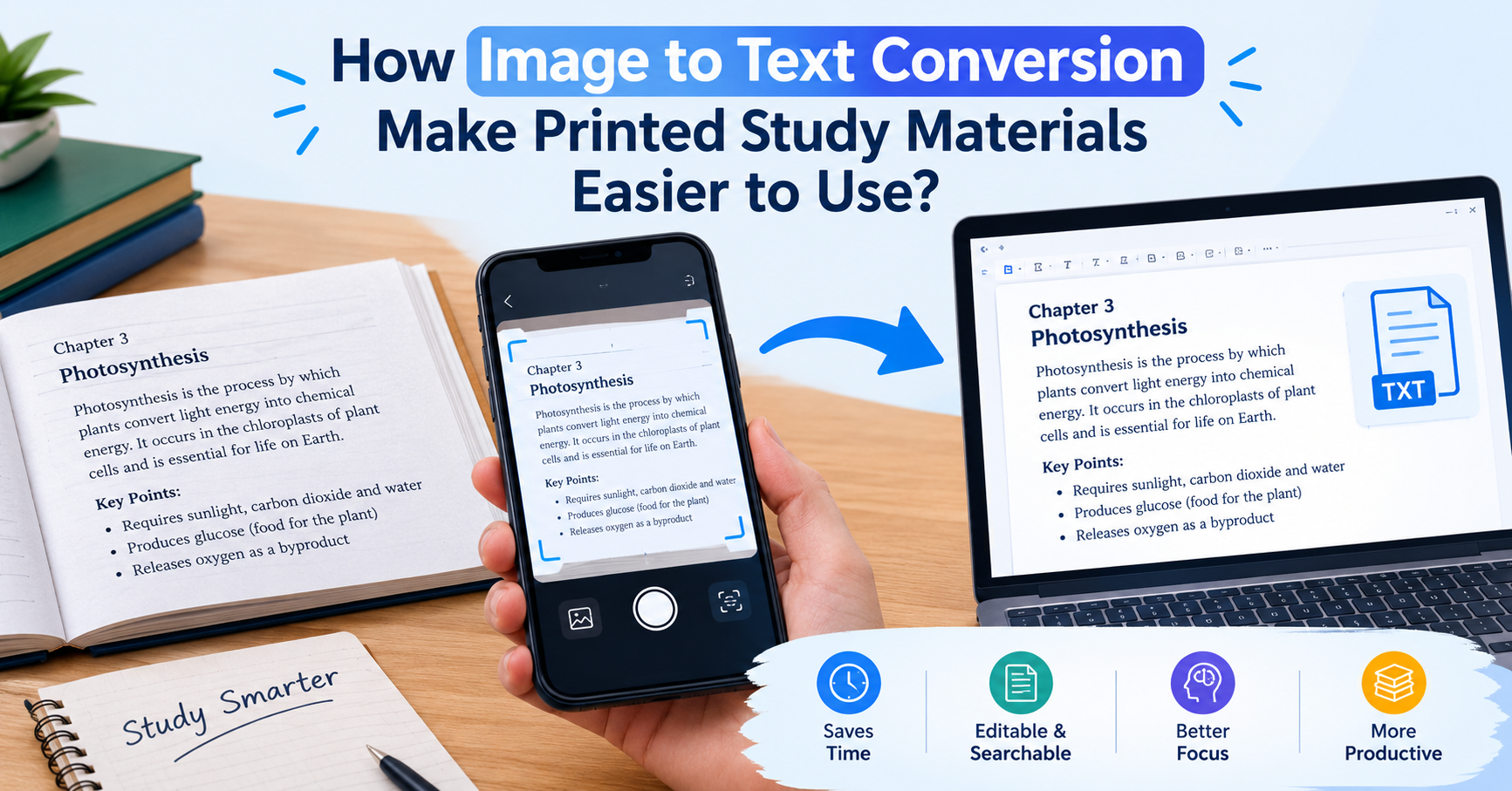
How Image to Text Conversion Make Printed Study Materials Easier to Use?
Last updated on: October 23, 2026Posted by: ExamRadar

7 Best Online Exam Makers for Teachers, Schools, and Businesses
Last updated on: October 21, 2026Posted by: ExamRadar

How to pick a Bintan resort when you’ve only got 48 hours
Last updated on: September 23, 2026Posted by: ExamRadar

Features to Look for While Choosing the Best Automation Tool
Last updated on: July 15, 2026Posted by: ExamRadar
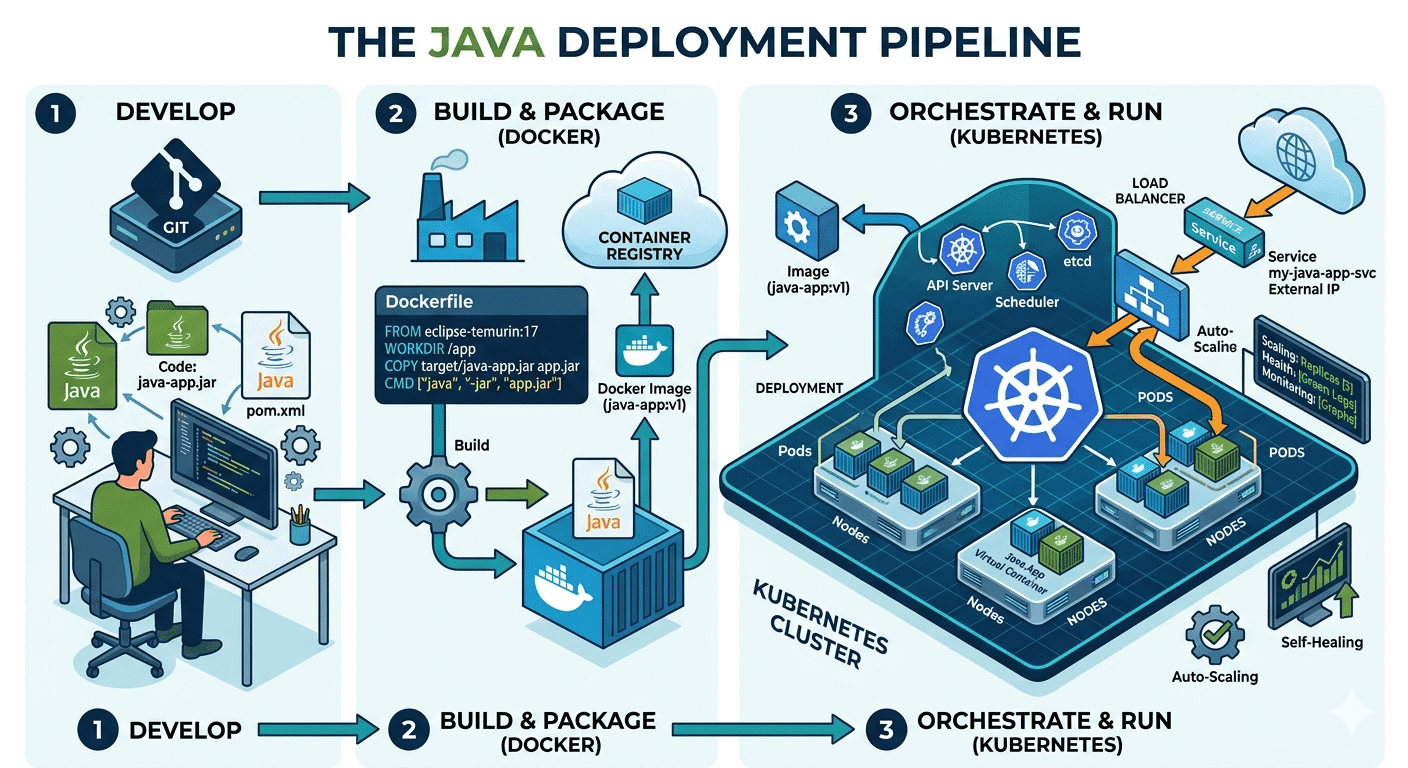
How Do Java Development Teams Use Docker and Kubernetes to Deploy Applications?
Last updated on: April 24, 2026Posted by: ExamRadar

AI vs Machine Learning: Key Differences Every Professional Should Know
Last updated on: February 13, 2026Posted by: ExamRadar

Office Cleaning Services That Elevate Sydney Offices
Last updated on: February 11, 2026Posted by: ExamRadar

What You Actually Learn About Exam Patterns From RBI Grade B Previous Year Papers?
Last updated on: February 9, 2026Posted by: ExamRadar