Question: …………. Is the functional key to display save-as box.
Answer:
The functional key commonly used to display the "Save As" dialog box in many software applications is the "F12" key.
Pressing the "F12" key, also known as the "Save As" key, typically triggers the display of the "Save As" dialog box, allowing the user to specify the file name, location, and format for saving a file.
However, it's important to note that the use of functional keys can vary depending on the specific software or application being used. Some applications may use different functional keys or key combinations to trigger the "Save As" functionality. It's always recommended to refer to the software's documentation or help resources for the correct key or combination of keys to display the "Save As" dialog box in a particular application.
MCQ: …………. Is the functional key to display save-as box.
Explanation:
The functional key commonly used to display the "Save As" dialog box in many software applications is the "F12" key.
Pressing the "F12" key, also known as the "Save As" key, typically triggers the display of the "Save As" dialog box, allowing the user to specify the file name, location, and format for saving a file.
However, it's important to note that the use of functional keys can vary depending on the specific software or application being used. Some applications may use different functional keys or key combinations to trigger the "Save As" functionality. It's always recommended to refer to the software's documentation or help resources for the correct key or combination of keys to display the "Save As" dialog box in a particular application.
Discuss a Question
Related Questions
- 1. Data becomes ……………. when it is presented in a format that people can understand and use
- 2. The term …………. designates equipment that might be added to a computer system to enhance its functionality.
- 3. A ………… is a microprocessor -based computing device.
- 4. RAM can be treated as the ……… for the computer’s processor
- 5. Which of the following are the functions of a operating system
- 6. To move a copy of file from one computer to another over a communication channel is called?
- 7. The primary function of the ………… is to set up the hardware and load and start an operating system
- 8. What kind of memory is both static and non -volatile?
- 9. ………. is computer software designed to operate the computer hardware and to provide platform for running application software
- 10. The ……… is the amount of data that a storage device can move from the storage medium to the Computer per second
You may be interested in:
Computer Basics MCQsRecently Added Articles

How Image to Text Conversion Make Printed Study Materials Easier to Use?
Last updated on: October 23, 2026Posted by: ExamRadar

7 Best Online Exam Makers for Teachers, Schools, and Businesses
Last updated on: October 21, 2026Posted by: ExamRadar

How to pick a Bintan resort when you’ve only got 48 hours
Last updated on: September 23, 2026Posted by: ExamRadar

Features to Look for While Choosing the Best Automation Tool
Last updated on: July 15, 2026Posted by: ExamRadar
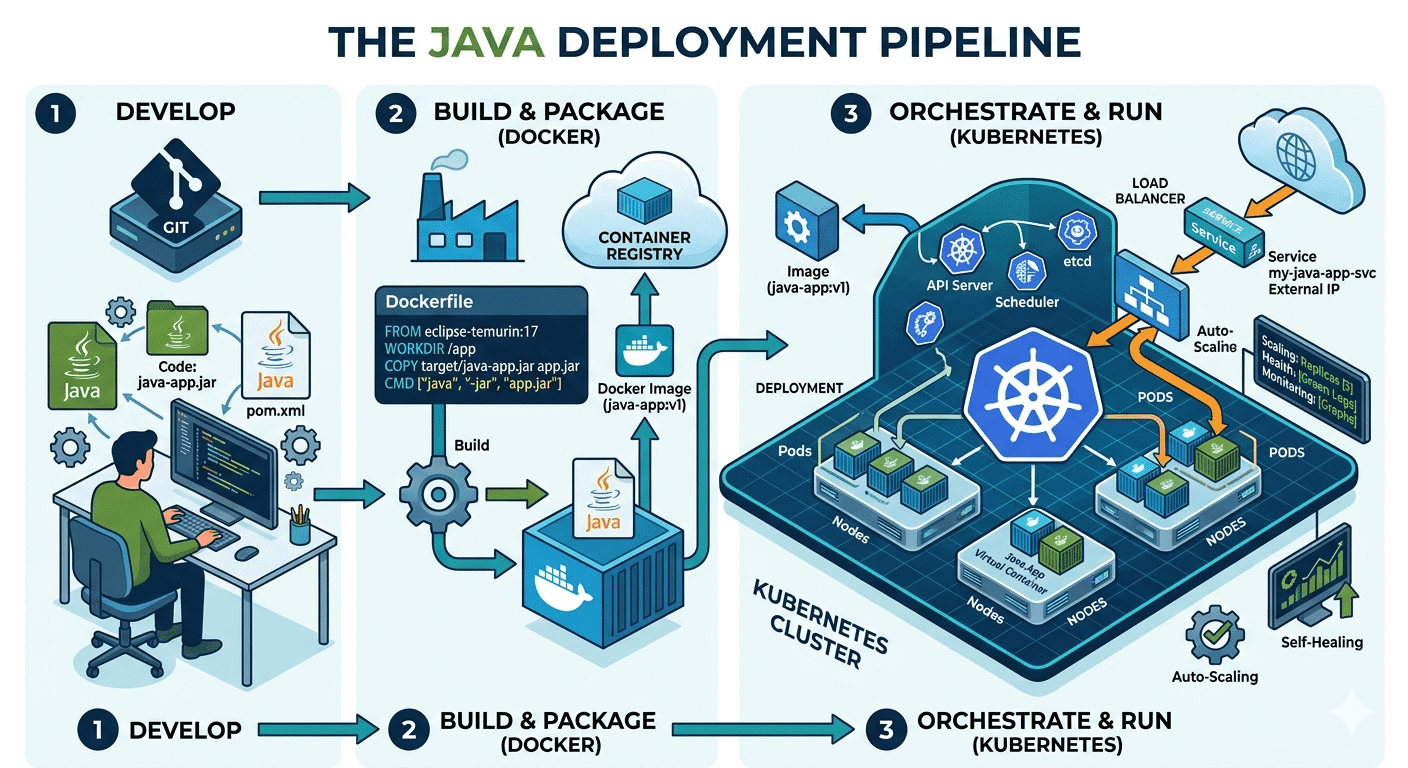
How Do Java Development Teams Use Docker and Kubernetes to Deploy Applications?
Last updated on: April 24, 2026Posted by: ExamRadar

AI vs Machine Learning: Key Differences Every Professional Should Know
Last updated on: February 13, 2026Posted by: ExamRadar

Office Cleaning Services That Elevate Sydney Offices
Last updated on: February 11, 2026Posted by: ExamRadar

What You Actually Learn About Exam Patterns From RBI Grade B Previous Year Papers?
Last updated on: February 9, 2026Posted by: ExamRadar