Question: You use a(n) ….., such as a keyboard or mouse, to input information
Answer:
You use an "input device" such as a keyboard or mouse to input information into a computer system. Input devices are peripherals that allow users to enter data, commands, or instructions into the computer for processing.
Here are some common examples of input devices:
1. Keyboard: Used for typing text, entering commands, and alphanumeric input.
2. Mouse: Used for pointing, clicking, and selecting objects on the screen, providing a graphical interface for interaction.
3. Touchpad: Found on laptops, it allows users to move the cursor and perform various gestures using finger movements.
4. Trackball: Similar to a mouse, it allows users to move the cursor by rolling a ball with their fingers or thumb.
5. Touchscreen: A display screen that senses touch, allowing users to interact directly with the screen by tapping, swiping, or pinching.
6. Scanner: Used to convert physical documents or images into digital format by scanning them.
7. Microphone: Captures audio input, allowing users to record voice, participate in voice communication, or give voice commands.
8. Webcam: Captures video input, commonly used for video conferencing, live streaming, or video recording.
9. Joystick or Gamepad: Used for gaming, providing control and input for gaming actions.
10. Digital Pen or Stylus: Enables precise input on touchscreens or graphics tablets, commonly used for drawing or handwriting recognition.
These input devices serve as the means for users to interact with the computer system, conveying information and instructions to be processed by the software and hardware components.
MCQ: You use a(n) ….., such as a keyboard or mouse, to input information
Explanation:
You use an "input device" such as a keyboard or mouse to input information into a computer system. Input devices are peripherals that allow users to enter data, commands, or instructions into the computer for processing.
Here are some common examples of input devices:
1. Keyboard: Used for typing text, entering commands, and alphanumeric input.
2. Mouse: Used for pointing, clicking, and selecting objects on the screen, providing a graphical interface for interaction.
3. Touchpad: Found on laptops, it allows users to move the cursor and perform various gestures using finger movements.
4. Trackball: Similar to a mouse, it allows users to move the cursor by rolling a ball with their fingers or thumb.
5. Touchscreen: A display screen that senses touch, allowing users to interact directly with the screen by tapping, swiping, or pinching.
6. Scanner: Used to convert physical documents or images into digital format by scanning them.
7. Microphone: Captures audio input, allowing users to record voice, participate in voice communication, or give voice commands.
8. Webcam: Captures video input, commonly used for video conferencing, live streaming, or video recording.
9. Joystick or Gamepad: Used for gaming, providing control and input for gaming actions.
10. Digital Pen or Stylus: Enables precise input on touchscreens or graphics tablets, commonly used for drawing or handwriting recognition.
These input devices serve as the means for users to interact with the computer system, conveying information and instructions to be processed by the software and hardware components.
Discuss a Question
Related Questions
- 1. …………. is the ability of a device to “jump” directly to the requested data
- 2. …………. provides process and memory management services that allow two or more tasks, jobs, or programs to run simultaneously
- 3. The task of performing operations like arithmetic and logical operations is called……
- 4. ALU and Control Unit jointly known as
- 5. RAM is an example of
- 6. Magnetic disk is an example of
- 7. Which one of the following is NOT a computer language
- 8. RAM is also called as
- 9. ………… Store data or information temporarily and pass it on as directed by the control unit
- 10. Select the Odd one
You may be interested in:
Computer Basics MCQsRecently Added Articles
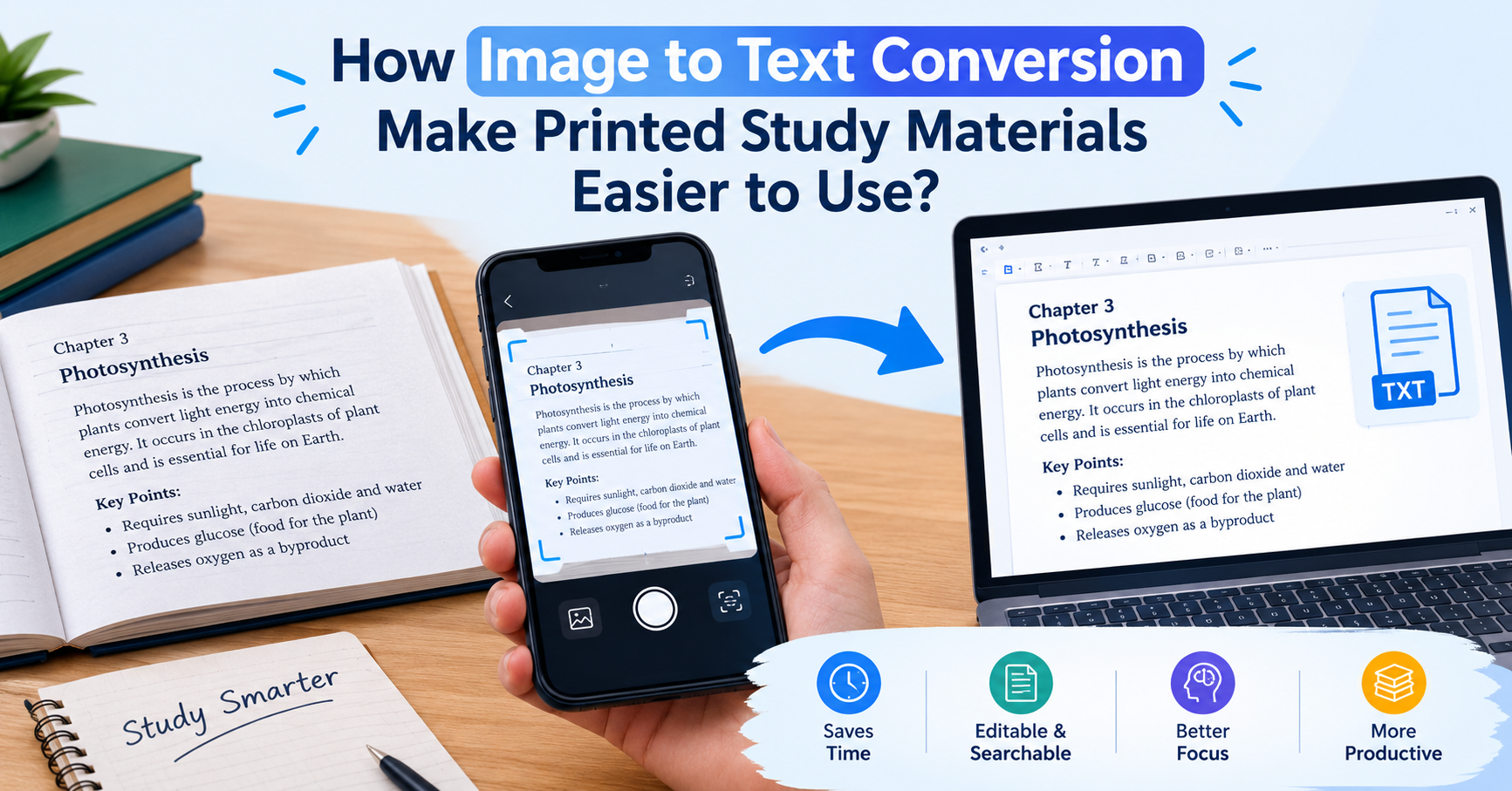
How Image to Text Conversion Make Printed Study Materials Easier to Use?
Last updated on: October 23, 2026Posted by: ExamRadar

7 Best Online Exam Makers for Teachers, Schools, and Businesses
Last updated on: October 21, 2026Posted by: ExamRadar

How to pick a Bintan resort when you’ve only got 48 hours
Last updated on: September 23, 2026Posted by: ExamRadar

Features to Look for While Choosing the Best Automation Tool
Last updated on: July 15, 2026Posted by: ExamRadar
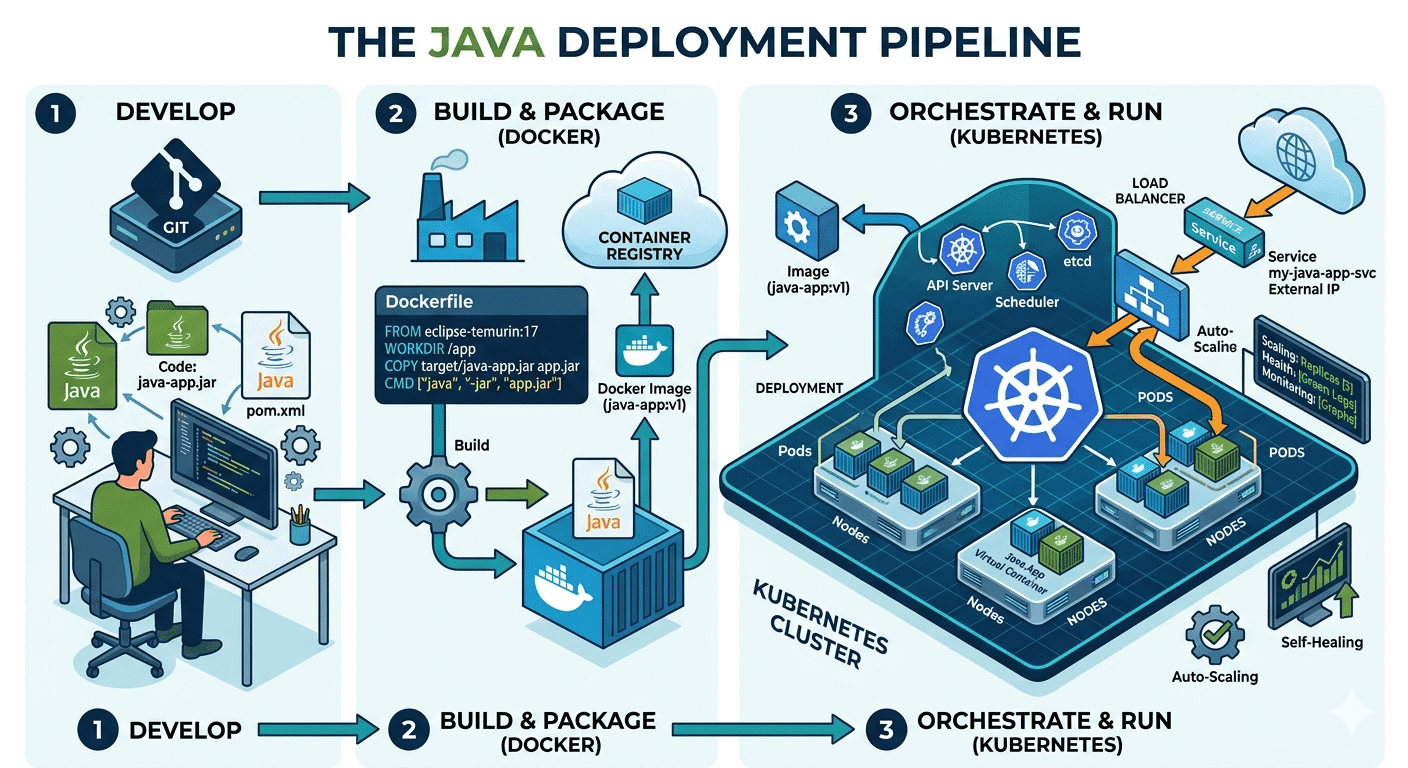
How Do Java Development Teams Use Docker and Kubernetes to Deploy Applications?
Last updated on: April 24, 2026Posted by: ExamRadar
AI vs Machine Learning: Key Differences Every Professional Should Know
Last updated on: February 13, 2026Posted by: ExamRadar

Office Cleaning Services That Elevate Sydney Offices
Last updated on: February 11, 2026Posted by: ExamRadar

What You Actually Learn About Exam Patterns From RBI Grade B Previous Year Papers?
Last updated on: February 9, 2026Posted by: ExamRadar