Question: A ………… is an additional set of commands that the computer displays after you make a selection from the main menu
Answer:
A "submenu" is an additional set of commands that the computer displays after you make a selection from the main menu.
In a computer program or user interface, a main menu typically presents a list of primary options or commands. When a user selects one of these options from the main menu, a submenu may be displayed, presenting a secondary set of commands or options that are specific to the selected main menu option.
Submenus are used to organize and present additional functionality or choices related to a specific main menu option. They provide a hierarchical structure to the user interface, allowing users to navigate through different levels of options and perform more specific actions.
For example, consider a graphics editing program. The main menu might include options like "File," "Edit," "View," and "Help." If the user selects the "Edit" option from the main menu, a submenu could appear, offering commands such as "Copy," "Paste," "Undo," and "Redo." These additional commands provide specific editing functionalities that are related to the "Edit" option.
Submenus can help simplify the main menu by grouping related commands together and presenting them in a more organized manner. They allow for a more intuitive and user-friendly interaction with the computer program, as users can access specific commands based on their current context or task.
MCQ: A ………… is an additional set of commands that the computer displays after you make a selection from the main menu
Explanation:
A "submenu" is an additional set of commands that the computer displays after you make a selection from the main menu.
In a computer program or user interface, a main menu typically presents a list of primary options or commands. When a user selects one of these options from the main menu, a submenu may be displayed, presenting a secondary set of commands or options that are specific to the selected main menu option.
Submenus are used to organize and present additional functionality or choices related to a specific main menu option. They provide a hierarchical structure to the user interface, allowing users to navigate through different levels of options and perform more specific actions.
For example, consider a graphics editing program. The main menu might include options like "File," "Edit," "View," and "Help." If the user selects the "Edit" option from the main menu, a submenu could appear, offering commands such as "Copy," "Paste," "Undo," and "Redo." These additional commands provide specific editing functionalities that are related to the "Edit" option.
Submenus can help simplify the main menu by grouping related commands together and presenting them in a more organized manner. They allow for a more intuitive and user-friendly interaction with the computer program, as users can access specific commands based on their current context or task.
Discuss a Question
Related Questions
- 1. COBOL is an acronym for…………
- 2. All of the following are examples of real security and privacy risks EXCEPT
- 3. Which of the following is NOT one of the four major data processing functions of a computer?
- 4. All of the following are examples of storage devices EXCEPT :
- 5. The CPU and memory are located on the :
- 6. …………… is the science that attempts to produce machines that display the same type of intelligence that humans do
- 7. Servers are computers that provide resources to other computers connected to a :
- 8. When creating a computer program, the ……… designs the structure of the program
- 9. A computer program that converts an entire program into machine language at one time
- 10. Computers process data into information by working exclusively with :
You may be interested in:
Computer Basics MCQsRecently Added Articles
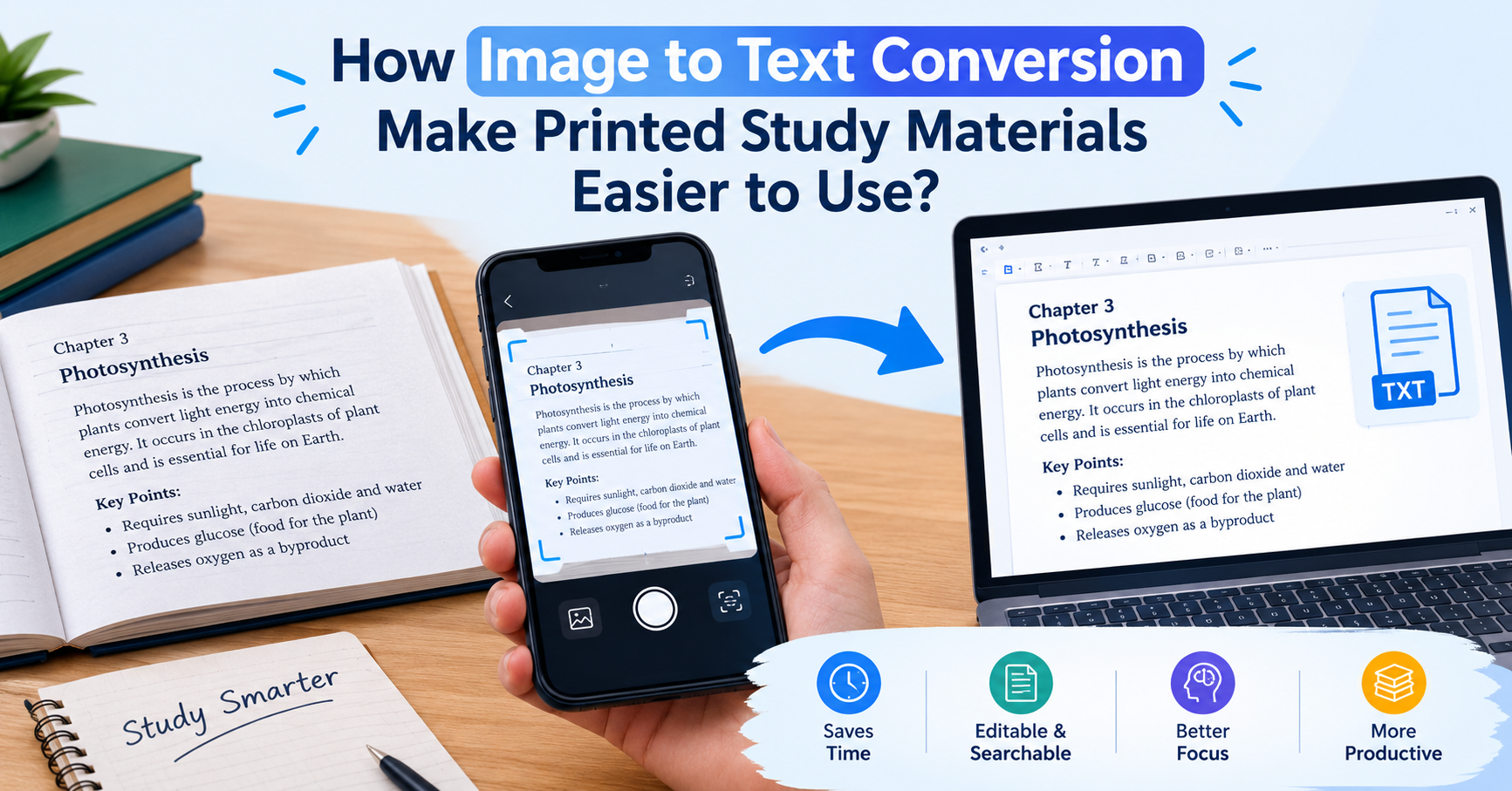
How Image to Text Conversion Make Printed Study Materials Easier to Use?
Last updated on: October 23, 2026Posted by: ExamRadar
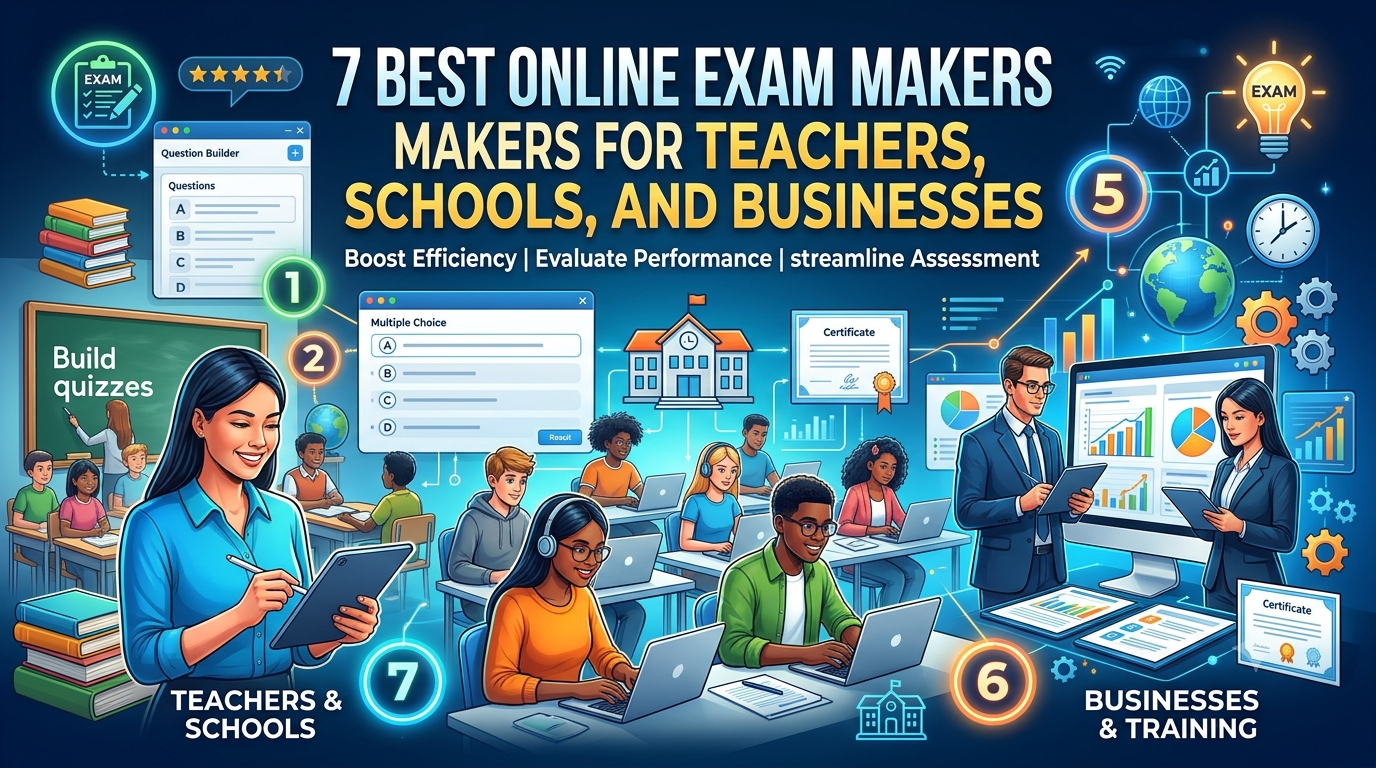
7 Best Online Exam Makers for Teachers, Schools, and Businesses
Last updated on: October 21, 2026Posted by: ExamRadar

How to pick a Bintan resort when you’ve only got 48 hours
Last updated on: September 23, 2026Posted by: ExamRadar
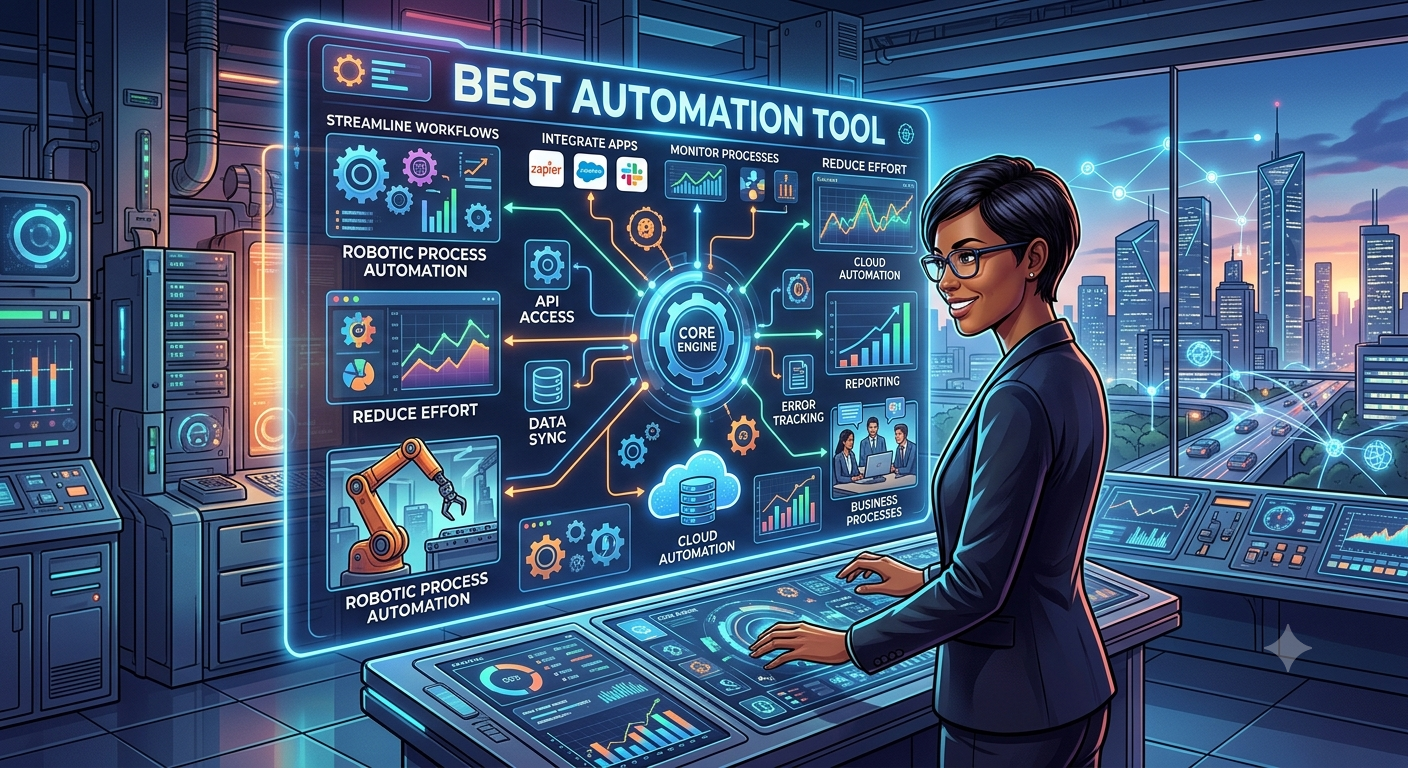
Features to Look for While Choosing the Best Automation Tool
Last updated on: July 15, 2026Posted by: ExamRadar
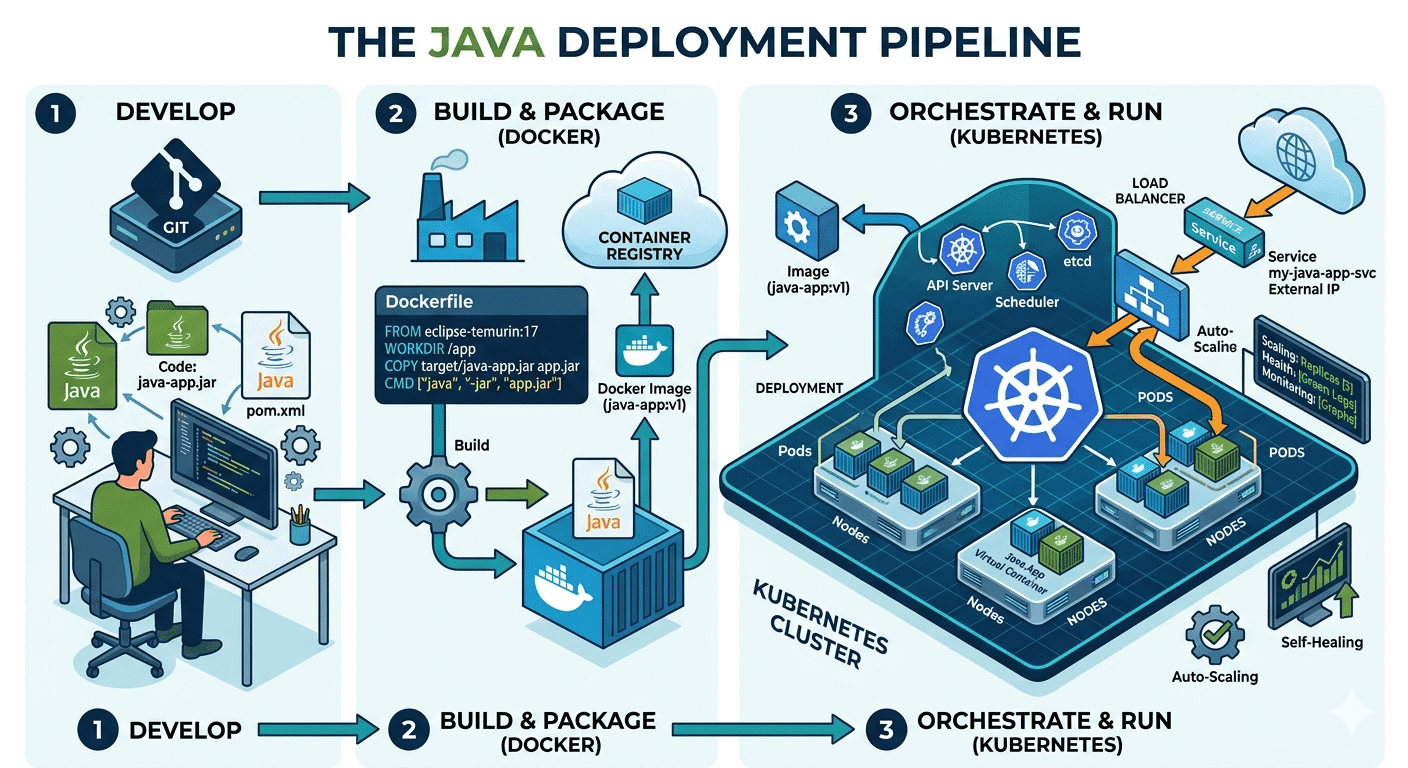
How Do Java Development Teams Use Docker and Kubernetes to Deploy Applications?
Last updated on: April 24, 2026Posted by: ExamRadar

AI vs Machine Learning: Key Differences Every Professional Should Know
Last updated on: February 13, 2026Posted by: ExamRadar

Office Cleaning Services That Elevate Sydney Offices
Last updated on: February 11, 2026Posted by: ExamRadar
What You Actually Learn About Exam Patterns From RBI Grade B Previous Year Papers?
Last updated on: February 9, 2026Posted by: ExamRadar