Question: Which option is chosen to rename any file or folder by right clicking on it?
Answer:
To rename a file or folder by right-clicking on it, you can choose the "Rename" option from the context menu.By selecting the "Rename" option from the right-click context menu, you can quickly change the name of the file or folder without the need to open any additional dialog boxes or menus.
MCQ: Which option is chosen to rename any file or folder by right clicking on it?
Explanation:
To rename a file or folder by right-clicking on it, you can choose the "Rename" option from the context menu.By selecting the "Rename" option from the right-click context menu, you can quickly change the name of the file or folder without the need to open any additional dialog boxes or menus.
Discuss a Question
Related Questions
- 1. To display page vertically in MS Word which of the option is used?
- 2. Which option you will choose to increase the font size in MS Word?
- 3. Which Network will be used to connect computers located in one room, building or premises?
- 4. Which side of the characters will be removed when pressing Delete Key in the Keyboard?
- 5. What is the short cut key for Thesaurus ?
- 6. How many bits used by computer to store one character?
- 7. SMPS stands for and Explain in detail
- 8. By using which of the functionality temporary files of the computer can be removed?
- 9. When creating new folder what is default name given by the computer?
- 10. Which toolbar is used to change the font and font size in MS WORD?
You may be interested in:
Computer Basics MCQsRecently Added Articles

How Image to Text Conversion Make Printed Study Materials Easier to Use?
Last updated on: October 23, 2026Posted by: ExamRadar

7 Best Online Exam Makers for Teachers, Schools, and Businesses
Last updated on: October 21, 2026Posted by: ExamRadar

How to pick a Bintan resort when you’ve only got 48 hours
Last updated on: September 23, 2026Posted by: ExamRadar

Features to Look for While Choosing the Best Automation Tool
Last updated on: July 15, 2026Posted by: ExamRadar
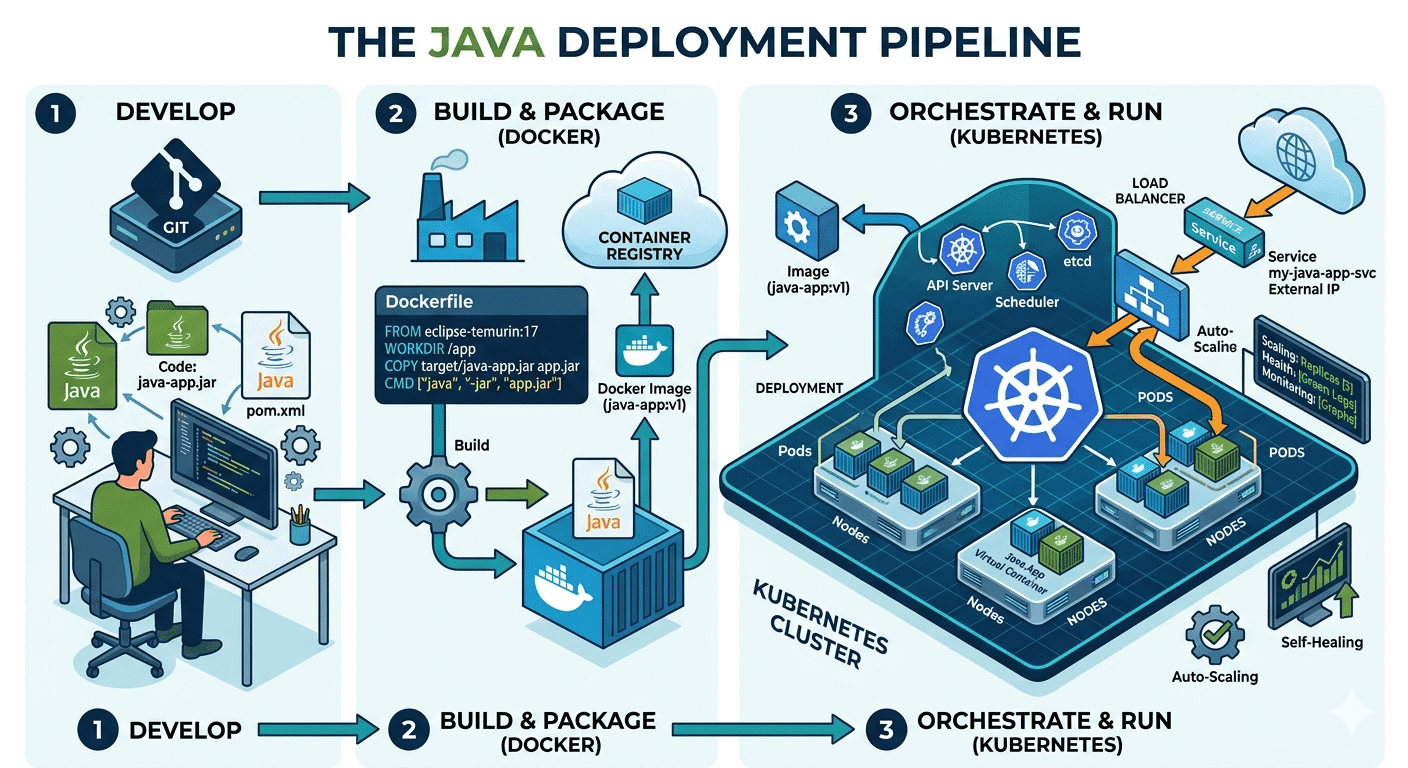
How Do Java Development Teams Use Docker and Kubernetes to Deploy Applications?
Last updated on: April 24, 2026Posted by: ExamRadar

AI vs Machine Learning: Key Differences Every Professional Should Know
Last updated on: February 13, 2026Posted by: ExamRadar

Office Cleaning Services That Elevate Sydney Offices
Last updated on: February 11, 2026Posted by: ExamRadar

What You Actually Learn About Exam Patterns From RBI Grade B Previous Year Papers?
Last updated on: February 9, 2026Posted by: ExamRadar