Question: What is URL ?What are the first part of a URL?
Answer:
A URL (Uniform Resource Locator) typically includes several components that specify the location and access method of a resource on the web. The common components of a URL are:
1. Scheme/Protocol: It indicates the protocol or scheme used to access the resource, such as "http://" for Hypertext Transfer Protocol or "https://" for secure HTTP.
2. Domain/Host: It identifies the domain name or IP address of the server where the resource is hosted, such as "www.example.com" or "192.168.0.1".
3. Port: It specifies the port number on the server to which the client should connect. The default port for HTTP is 80, while HTTPS typically uses port 443. If no port is specified, the default port is assumed.
4. Path: It specifies the specific location or directory on the server where the resource is located, such as "/products" or "/images/logo.png".
5. Query Parameters: These are optional parameters passed in the URL that provide additional information to the server. They are separated from the path by a question mark "?" and multiple parameters are separated by an ampersand "&". For example, "?id=123&category=books".
6. Fragment/Anchor: It refers to a specific section within the resource itself, typically denoted by a hash symbol "#". It is often used to navigate to a specific part of a webpage, such as "#section1" or "#footer".
Together, these components form a URL and provide a standardized way to locate and access resources on the web.
MCQ: URL includes
Explanation:
A URL (Uniform Resource Locator) typically includes several components that specify the location and access method of a resource on the web. The common components of a URL are:
1. Scheme/Protocol: It indicates the protocol or scheme used to access the resource, such as "http://" for Hypertext Transfer Protocol or "https://" for secure HTTP.
2. Domain/Host: It identifies the domain name or IP address of the server where the resource is hosted, such as "www.example.com" or "192.168.0.1".
3. Port: It specifies the port number on the server to which the client should connect. The default port for HTTP is 80, while HTTPS typically uses port 443. If no port is specified, the default port is assumed.
4. Path: It specifies the specific location or directory on the server where the resource is located, such as "/products" or "/images/logo.png".
5. Query Parameters: These are optional parameters passed in the URL that provide additional information to the server. They are separated from the path by a question mark "?" and multiple parameters are separated by an ampersand "&". For example, "?id=123&category=books".
6. Fragment/Anchor: It refers to a specific section within the resource itself, typically denoted by a hash symbol "#". It is often used to navigate to a specific part of a webpage, such as "#section1" or "#footer".
Together, these components form a URL and provide a standardized way to locate and access resources on the web.
Discuss a Question
Related Questions
- 1. What is Web Server? what are the names of different web server?
- 2. In HTML, colour code #FF7F3F represents a color in which intensity levels of primary colors are
- 3. What is cookie in Internet communication? what are The main purposes of cookies?
- 4. What is WinZip?
- 5. What is G2C?
- 6. Match the following terms: <img src="http://examradar.com/wp-content/uploads/2017/02/web-internet-fundamental-mcq-6.png" alt="web-internet-fundamental-mcq-6" width="811" height="227" class="alignnone size-full wp-image-5280" />
- 7. What is cross-compiler ?
- 8. Basic XML can be described as:
- 9. WiFi is a short name for ___________
- 10. Responsibility of implementation of IT/ITeS Policy lies with
You may be interested in:
WEB Internet Fundamental Online TestsRecently Added Articles

How to pick a Bintan resort when you’ve only got 48 hours
Last updated on: September 23, 2026Posted by: ExamRadar

Features to Look for While Choosing the Best Automation Tool
Last updated on: July 15, 2026Posted by: ExamRadar
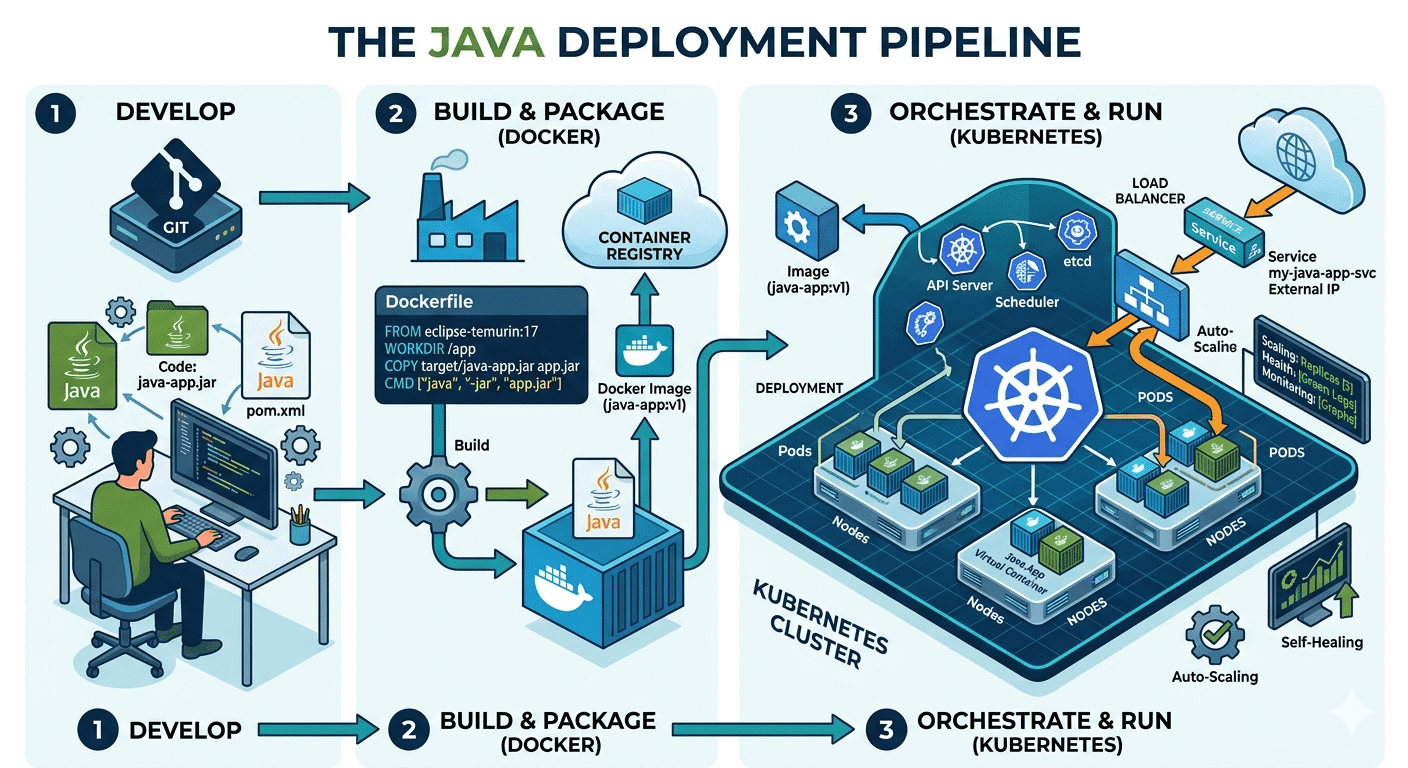
How Do Java Development Teams Use Docker and Kubernetes to Deploy Applications?
Last updated on: April 24, 2026Posted by: ExamRadar

AI vs Machine Learning: Key Differences Every Professional Should Know
Last updated on: February 13, 2026Posted by: ExamRadar

Office Cleaning Services That Elevate Sydney Offices
Last updated on: February 11, 2026Posted by: ExamRadar
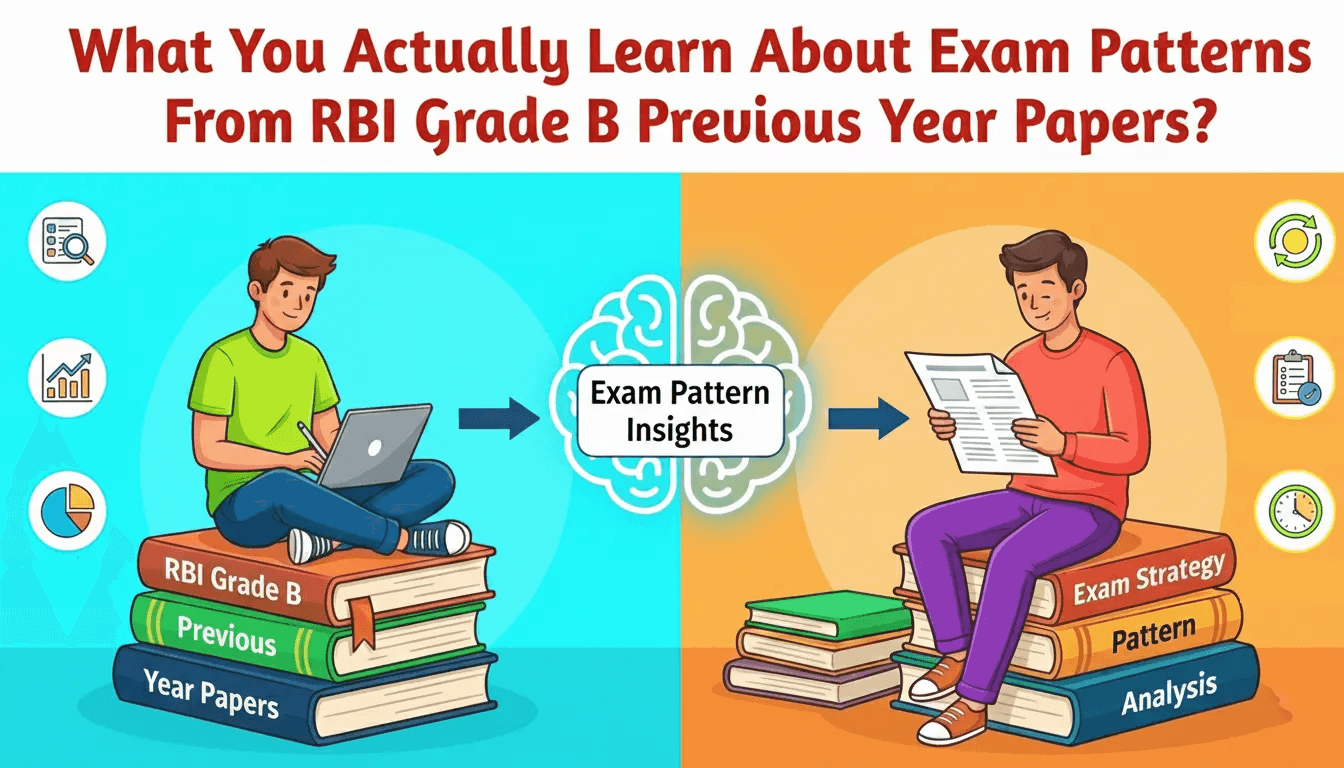
What You Actually Learn About Exam Patterns From RBI Grade B Previous Year Papers?
Last updated on: February 9, 2026Posted by: ExamRadar

Mental Health Support That’s Closer Than You Think
Last updated on: January 7, 2026Posted by: ExamRadar

Transform Your Home’s Exterior with Columbus roofing company
Last updated on: November 27, 2025Posted by: ExamRadar